Personal Utility On Android
Compass With VastuVastu वाला Compass
Open a live compass, see which way the phone points and use optional Vastu cues as a private desk or room preference, not official guidance.Live compass खोलें, direction पढ़ें और optional Vastu cues को desk, room या camp-office की private preference aid की तरह use करें, official guidance की तरह नहीं।
What it does
The tool, in plain terms
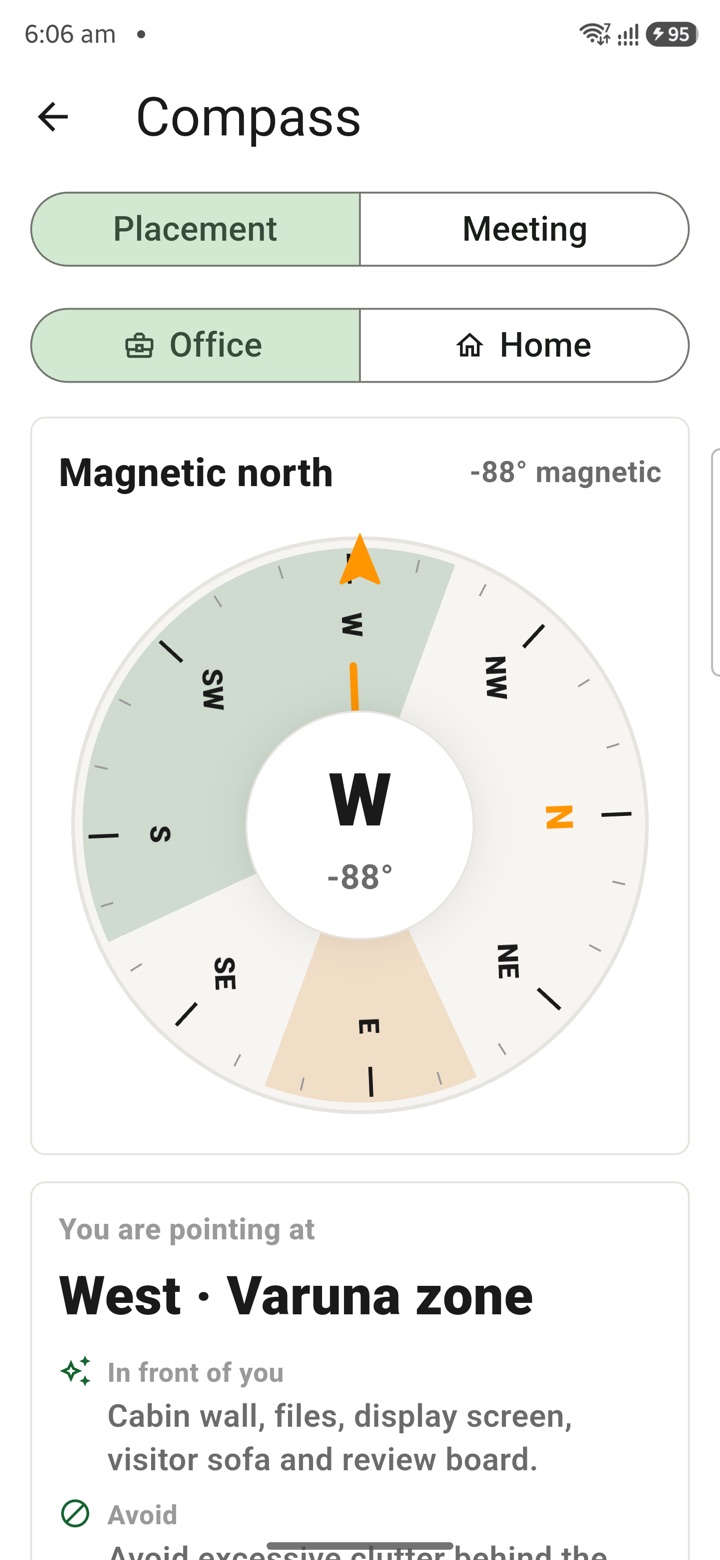
Compass With Vastu opens a live compass so you can see which way your phone is pointing. Hold the phone flat and wait until the direction reading looks steady before you rely on it.
You can use the direction as a private cue for arranging a desk, a room, a travel plan or a camp-office layout. Optional Vastu cues are offered only as a personal preference for reflection and entertainment, not as advice.
This is not official guidance. Keep files, inspections, approvals and every official decision on the authorised rules and channels that govern them.
Officer workflow
How an officer uses it
A real sequence — from opening the tool to a private, review-ready draft.
Open Compass/Vastu from the Personal Utility tools list.
Hold the phone flat and wait until the direction looks steady.
Use the direction as a private cue for desk, room, travel or camp-office arrangement.
Keep files, inspections, approvals and official decisions on authorised rules and channels.
Why it earns its place
What you get out of it
{'eyebrow': 'Private Indic reflection', 'title': 'A quiet direction check before work begins.', 'body': 'Compass/Vastu is for moments when a central government officer reaches a new room, guest house, camp office or desk and wants a simple personal direction check. The app shows the real direction from the phone and keeps the Vastu layer optional, private and outside official workflow.', 'body_hi': 'Compass/Vastu उन moments के लिए है जब officer किसी नए room, guest house, camp office या desk पर पहुंचकर personal orientation check करना चाहता है. App phone से real direction दिखाता है और Vastu layer को optional, private और official workflow से बाहर रखता है.', 'points': [{'label': 'Read direction', 'value': 'Use the phone compass to see where north, east, south and west are before arranging the space.'}, {'label': 'Keep it private', 'value': 'Treat the cue like a personal ritual, similar to a journal note or desk preference.'}, {'label': 'Stay official', 'value': 'Do not use the tool for orders, inspections, seat allocation, official records or compliance decisions.'}], 'chips': ['Desk', 'Guest house', 'Camp office', 'Travel room', 'Private cue']}
Compass With Vastu
- Best for
- Desk direction, guest-house rooms, field-camp tables and travel orientation
- Grade 5 meaning
- The phone shows north, east, south and west so you can arrange your desk or room the way you prefer.
- Officer context
- Useful when an officer wants a quiet personal direction check before settling into work
- How to read it
- Hold the phone flat, let the compass settle, then note north, east, south or west before arranging the space
Straight answers
Questions officers ask about Compass With Vastu
No. They are an optional personal preference offered for private reflection and entertainment only, not advice for any official or personal decision.
A phone compass depends on device sensors and nearby metal or magnets. Hold the phone flat and steady, away from metal, until the reading settles.
Use it only as a private cue. Official inspections, measurements and approvals must follow the authorised instruments and channels for that work.
In the same shelf
Related tools
International Time
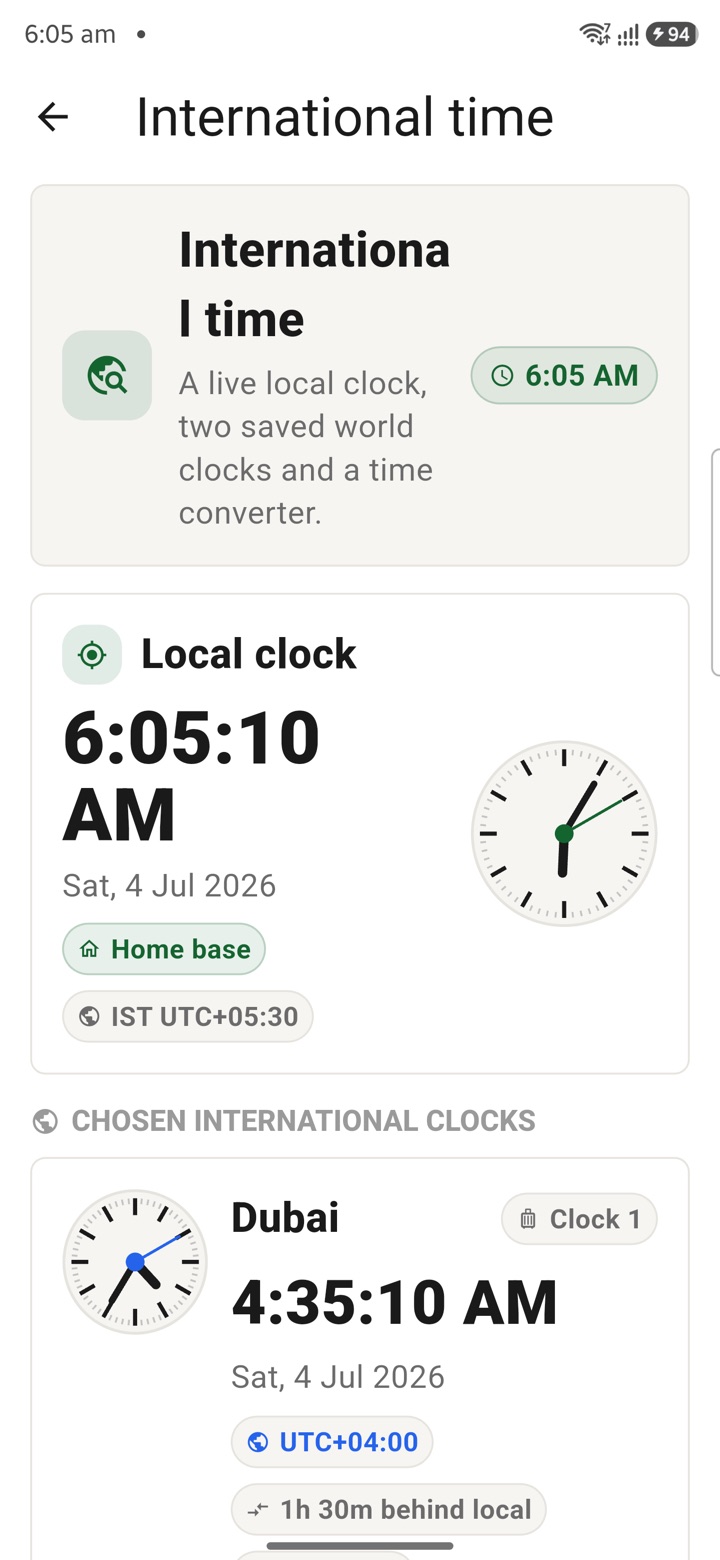
Check international time before embassy calls, deputation travel, training cohorts or late-eveni
Numerology
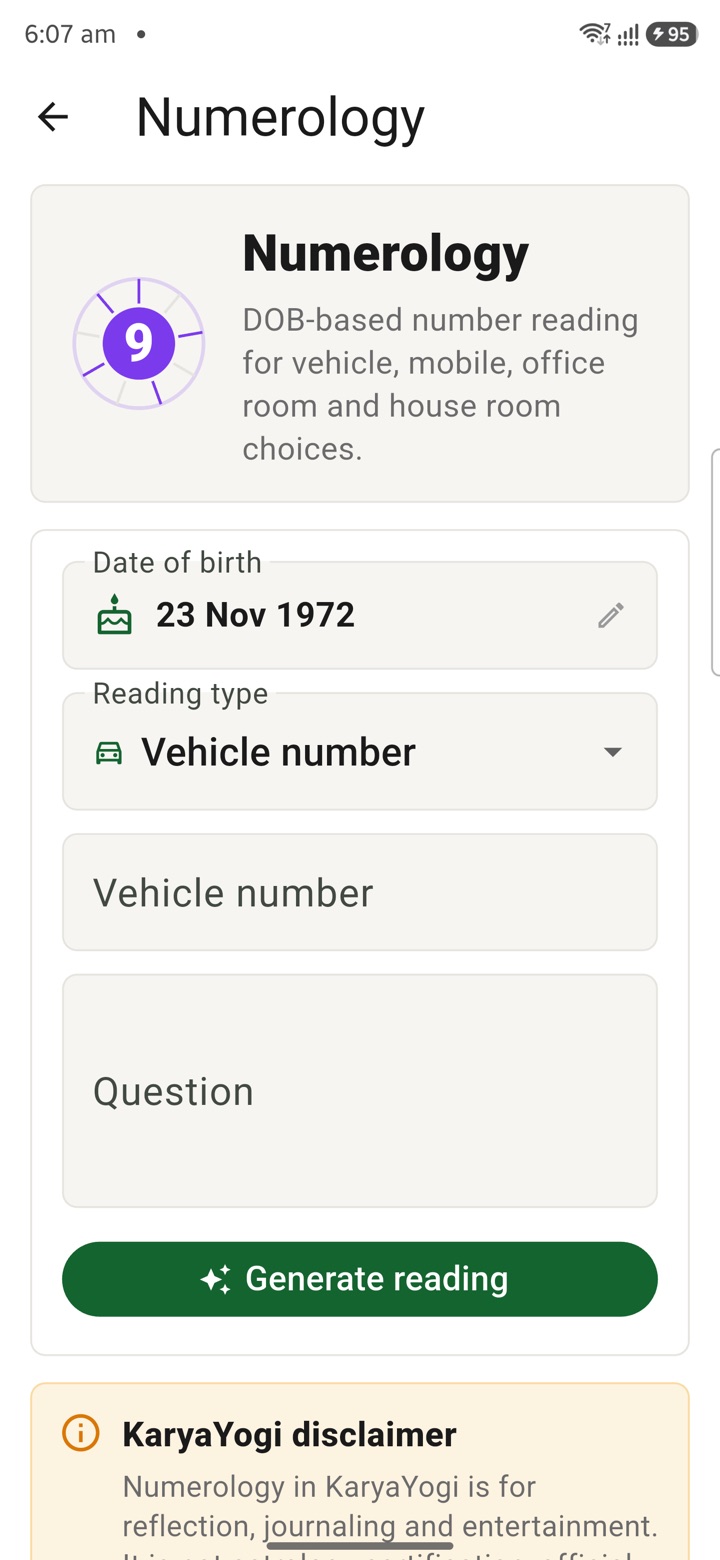
Review number patterns for personal reflection around rooms, dates or phone numbers without trea
Tarot
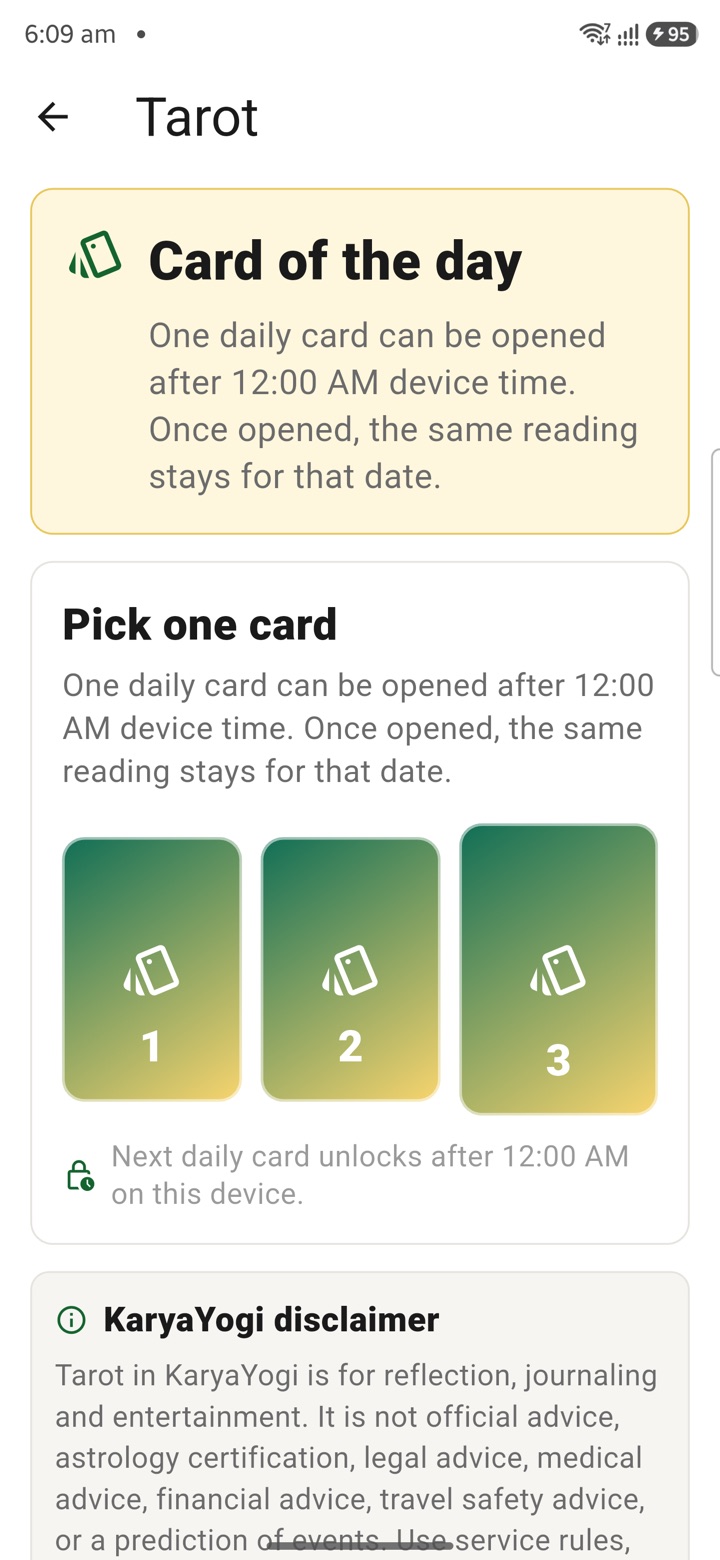
Draw a reflection card for journaling after a crowded day; keep it entertainment-only and outsid
Carry your desk in your pocketअपनी डेस्क, अपनी जेब में
The Android APK below is the legacy direct-download edition. Use it only for an installation originally obtained from this website. Google Play and iOS releases follow separate testing and review tracks.
नीचे दिया गया Android APK पुराना सीधे डाउनलोड वाला संस्करण है। इसे केवल उसी इंस्टॉलेशन के लिए उपयोग करें जो इस वेबसाइट से लिया गया था। Google Play और iOS रिलीज़ की अलग परीक्षण और समीक्षा प्रक्रिया है।
Legacy package in.karyayogi.app · v1.55.59 (8195) · 144 MB · Android 8.0+