KaryaYogi, every app tool, optional cloud sync and the web portal are permanently free. No subscriptions, paid upgrades or trials. Existing technical limits and account privacy controls still apply.KaryaYogi, ऐप के सभी टूल, वैकल्पिक cloud sync और web portal स्थायी रूप से मुफ़्त हैं। कोई subscription, paid upgrade या trial नहीं है। मौजूदा तकनीकी सीमाएँ और अकाउंट के privacy controls लागू रहते हैं।
The experience
Offline-first by architectureआर्किटेक्चर से ऑफ़लाइन-प्रथम
Calculations, notes, reminders and the vault work with the SIM removed. Connectivity is a bonus, never a requirement.गणना, नोट्स, रिमाइंडर और वॉल्ट सिम निकालकर भी चलते हैं। कनेक्टिविटी बोनस है, ज़रूरत नहीं।
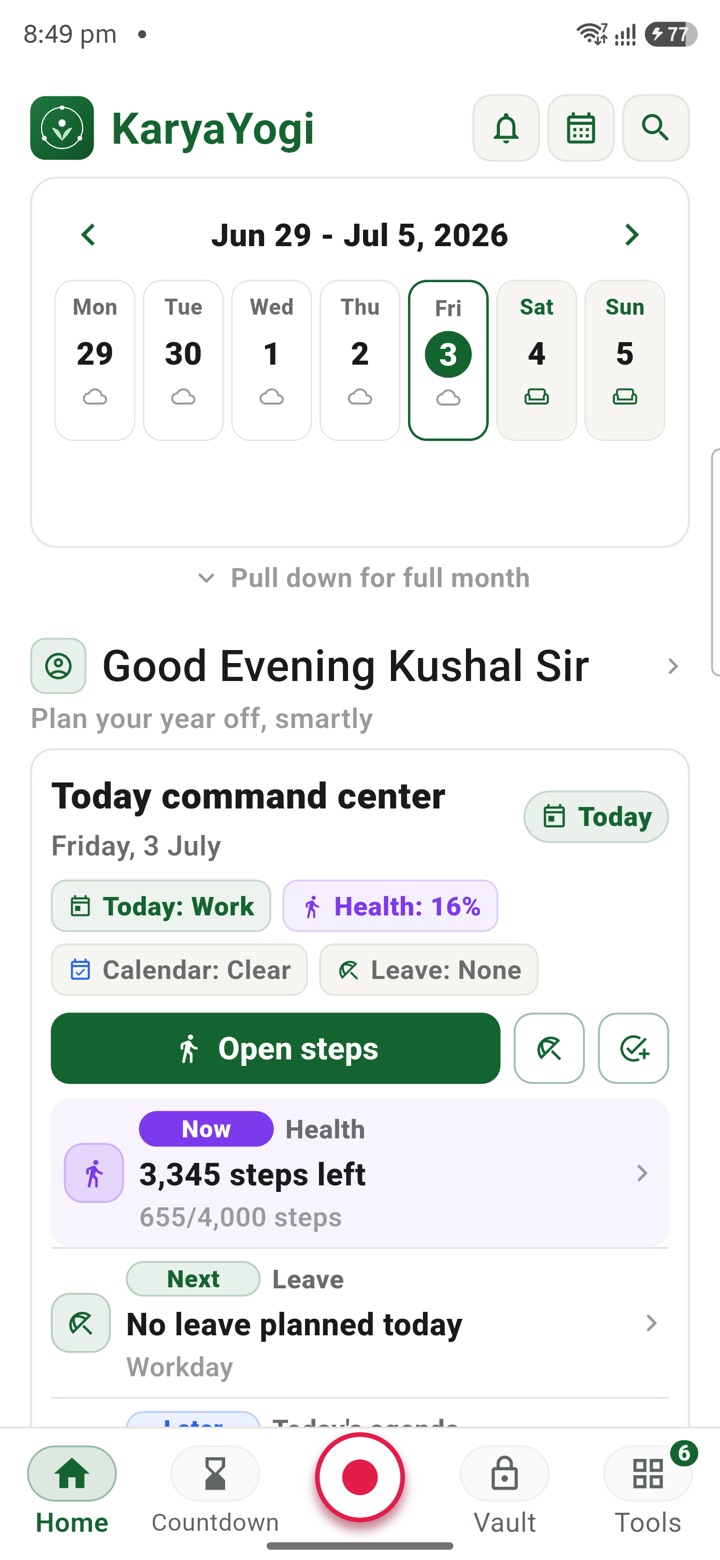
The default is offline
Everything core runs with no connection
KaryaYogi is built to work first, connect never. All tools open and run on the device itself. Pull the SIM, switch on flight mode, sit in a basement office with no signal, and the app behaves exactly the same.
This is deliberate. An officer should not depend on a network to do private planning. Your calculations, your notes and your reminders are computed and stored on the phone, not fetched from a server.
- Every calculator and estimate runs on the device, with no round trip to a server
- Notes and drafts are written and saved locally, available instantly
- Reminders fire from the device clock, connection or not
- No account or login is needed to open and use the app
Your data stays on the phone
The vault and app lock work without a signal
Sensitive entries live in an AES-256 local vault on the device. Opening the app is gated by your biometric or PIN. None of this needs a network, because the keys and the check happen locally.
A one-tap encrypted local backup produces a single file you control. You can move that file wherever you choose. If you ever need a clean device, Emergency Reset wipes all local KaryaYogi data from the phone.
- AES-256 vault encrypts sensitive entries on the device
- App lock by biometric or PIN, verified locally
- One-tap encrypted local backup produces a file you hold
- Emergency Reset wipes all local KaryaYogi data from the device
The honest exceptions
A few features genuinely need a connection
We will not pretend everything is offline. A small number of features pull live data or measure the network itself, so they need a connection at the moment you use them. The rest of the app does not.
When one of these features cannot reach the network, it tells you plainly rather than showing a stale or guessed value. The tool waits for a connection; your other work is unaffected.
- Currency conversion needs live exchange rates to be accurate
- The internet speed test needs a connection, because it measures that connection
- Optional cloud sync needs a connection to send and receive encrypted updates
- Each of these states its need clearly instead of showing an outdated figure
Sync is optional, not required
Connect only when you choose to
Cloud sync and the web portal at my.karyayogi.in are a paid, optional plan. The offline app is complete on its own; sync is an add-on for people who want their workspace on more than one surface.
When you do turn it on, sync is encrypted and hosted in India, keyed to your account. Turning it off does not disable any tool. The app stays fully usable offline, exactly as before.
- Sync is off by default and never required to use a tool
- When on, updates are encrypted and hosted in India, keyed to your account
- The web workspace at my.karyayogi.in is permanently free
- No ads, no trackers, and no sale of personal data
Carry your desk in your pocketअपनी डेस्क, अपनी जेब में
The Android APK below is the legacy direct-download edition. Use it only for an installation originally obtained from this website. Google Play and iOS releases follow separate testing and review tracks.
नीचे दिया गया Android APK पुराना सीधे डाउनलोड वाला संस्करण है। इसे केवल उसी इंस्टॉलेशन के लिए उपयोग करें जो इस वेबसाइट से लिया गया था। Google Play और iOS रिलीज़ की अलग परीक्षण और समीक्षा प्रक्रिया है।
Legacy package in.karyayogi.app · v1.55.59 (8195) · 144 MB · Android 8.0+