Pay & Money On Android
DA Hike TrackerDA Hike Tracker
Track DA percentage scenarios and see the likely impact on gross pay, allowances and monthly planning before orders are updated.DA percentage scenarios track करें और orders update होने से पहले gross pay, allowances और monthly planning पर likely impact देखें।
What it does
The tool, in plain terms
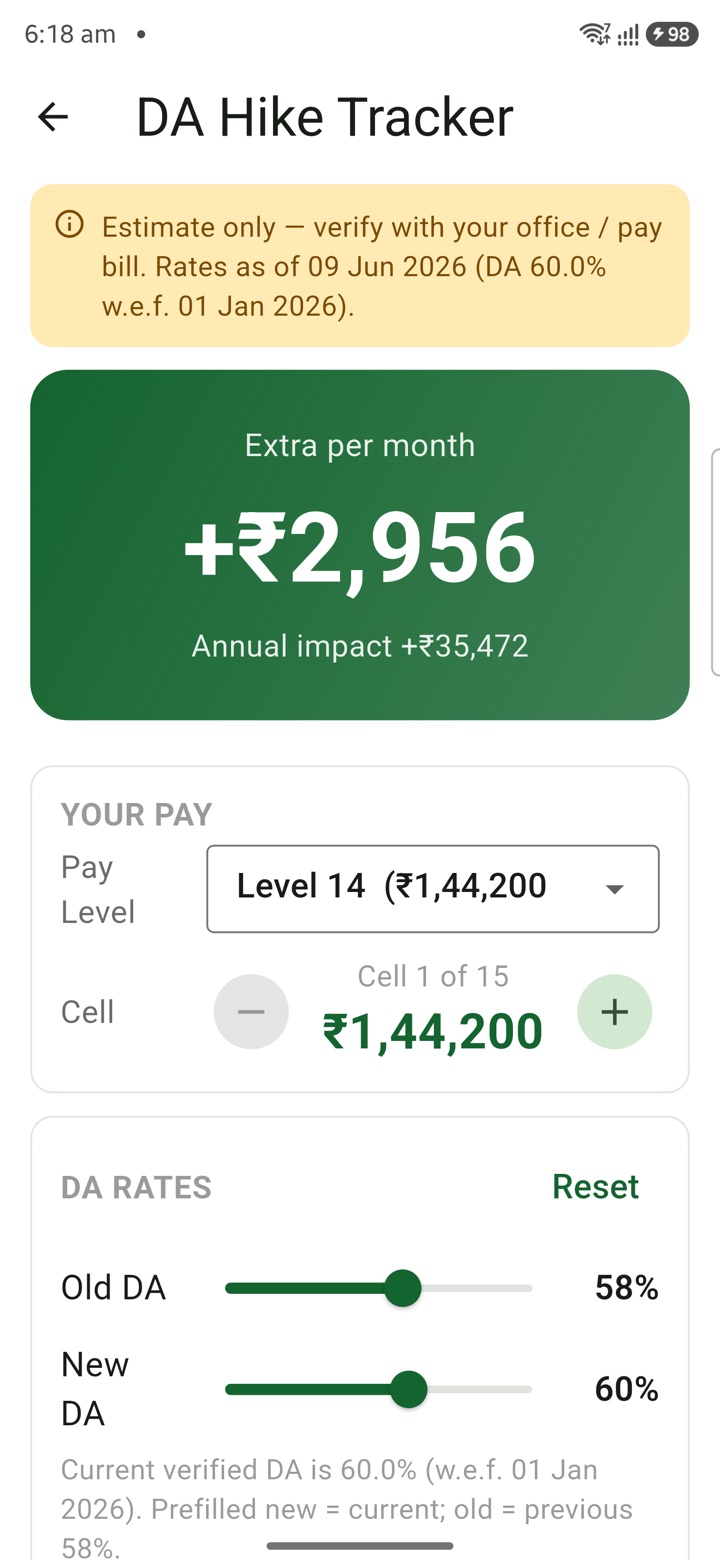
The DA Hike Tracker lets you try different Dearness Allowance percentage scenarios and see how each one might change your gross pay, allowances and monthly budget. You enter your pay, allowance, contribution or transfer assumptions as private planning inputs.
You then review the estimate alongside your current source documents and any advice from your office. This helps you think ahead about a possible DA revision before orders are actually updated.
The output is a conversation aid only. Any final decision on pay, tax or investment must be verified through authorised channels, because the app cannot confirm what a future DA order will say.
Officer workflow
How an officer uses it
A real sequence — from opening the tool to a private, review-ready draft.
Enter pay, allowance, contribution or transfer assumptions as private planning inputs.
Review the DA Hike Tracker estimate alongside current source documents and office advice.
Use the result as a conversation aid only; final pay, tax or investment action must be verified.
Why it earns its place
What you get out of it
DA Hike Tracker
- Working area
- Pay & Money
- How it operates
- Enter only the planning inputs needed for the estimate, compare the result with current rules, then verify pay, allowance or investment decisions from authorised sources.
- Screen proof
- Full Android screenshot framed on this page
- Best for
- Private planning for central government employees, officers, IAS officers and civil servants
Straight answers
Questions officers ask about DA Hike Tracker
No. You supply the percentages you want to test, and the tool shows the likely impact. The actual DA rate is set by official orders, which you should confirm from authorised sources.
Yes. You can enter different DA assumptions to compare how each one would affect your gross pay and allowances for planning purposes.
No. It is a private planning aid for your own reflection. Any pay, tax or investment action should be verified before you act on it.
In the same shelf
Related tools
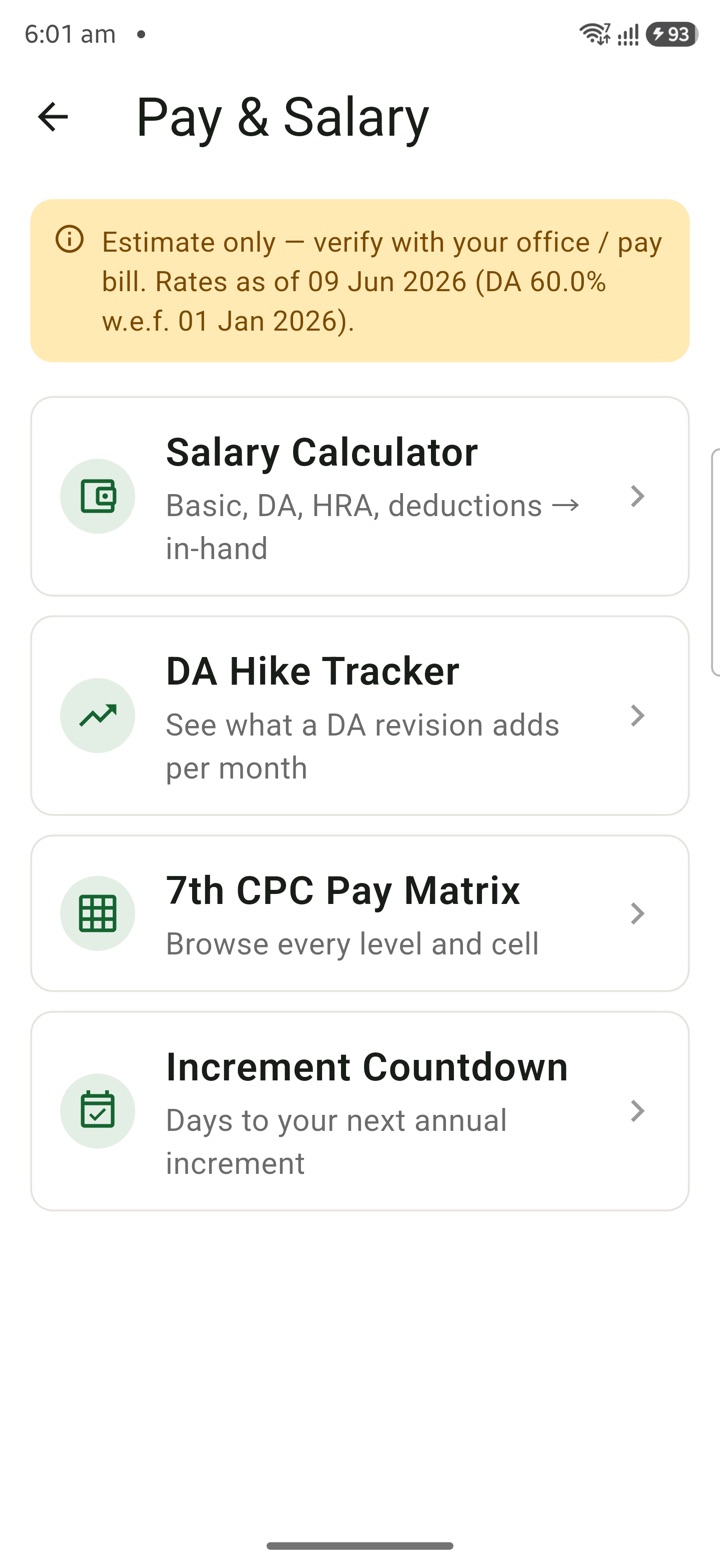
Salary Calculator
Estimate central-pay salary components from pay level, cell, basic pay, DA, HRA and local profil
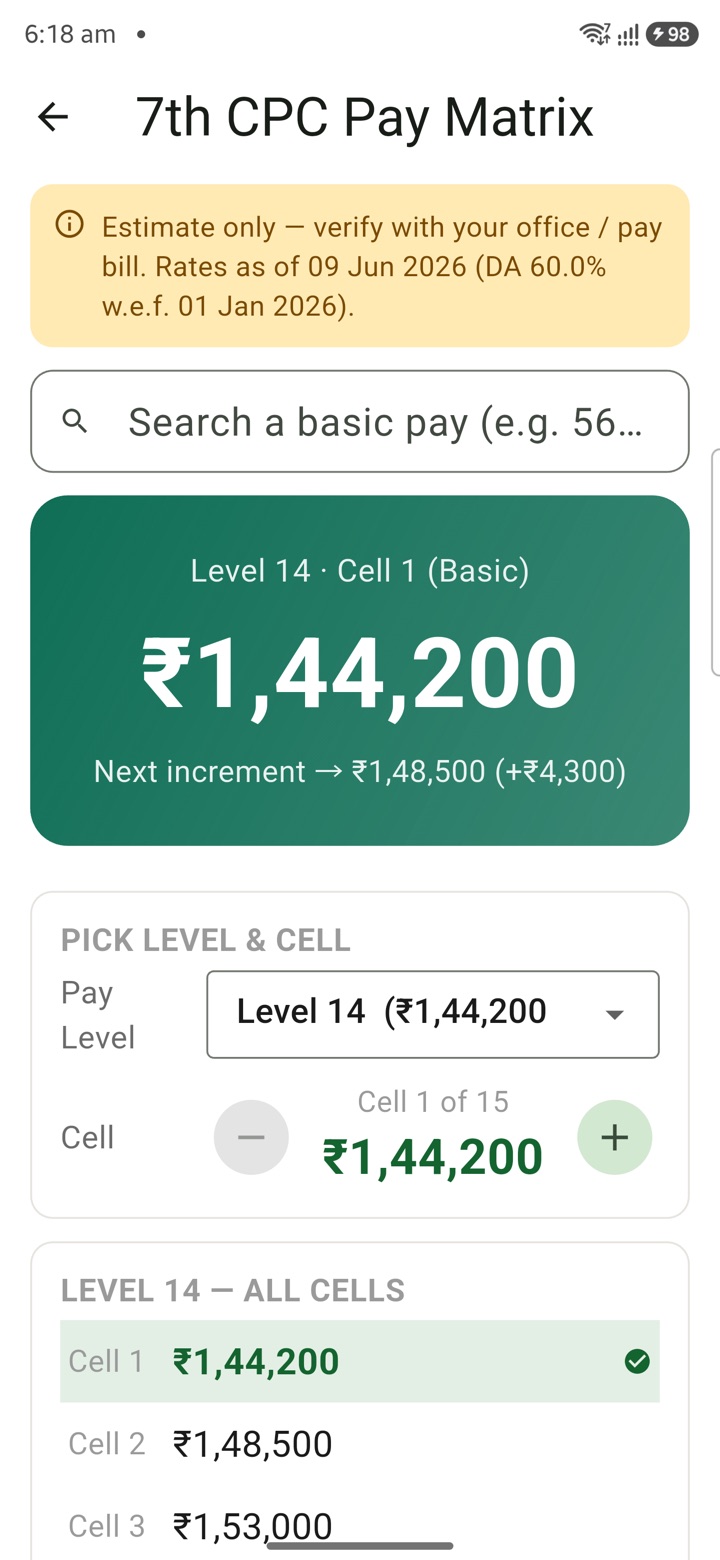
7th CPC Pay Matrix
Explore 7th CPC pay levels and cells in a matrix view for promotion, increment and transfer-grad
Increment Countdown
Keep July, January or officer-specific increment milestones visible with countdowns tied to pay
Carry your desk in your pocketअपनी डेस्क, अपनी जेब में
The Android APK below is the legacy direct-download edition. Use it only for an installation originally obtained from this website. Google Play and iOS releases follow separate testing and review tracks.
नीचे दिया गया Android APK पुराना सीधे डाउनलोड वाला संस्करण है। इसे केवल उसी इंस्टॉलेशन के लिए उपयोग करें जो इस वेबसाइट से लिया गया था। Google Play और iOS रिलीज़ की अलग परीक्षण और समीक्षा प्रक्रिया है।
Legacy package in.karyayogi.app · v1.55.59 (8195) · 144 MB · Android 8.0+