Service & Benefits On Android
Official Tour Claim DeskOfficial Tour Claim Desk
Estimate tour claim context, TA/DA assumptions, route notes and document rows privately before the authorised claim workflow.Authorised claim workflow से पहले tour claim context, TA/DA assumptions, route notes और document rows को privately estimate करें।
Estimate tour claim context, TA/DA assumptions, route notes and document rows privately before t
What it does
The tool, in plain terms
Official Tour Claim Desk lets you draft the context of a tour claim privately. You add the tour purpose, route, dates, halt details and your own TA/DA assumptions as draft rows so nothing is forgotten later.
You can attach reminders for tickets, boarding proof, hotel bills, conveyance notes, approvals and the office claim forms you will need. This is a private working estimate, not an official claim.
Claims, vouchers, sanctions and any corrections are submitted only through the authorised office workflow, where the actual TA/DA figures are decided.
Officer workflow
How an officer uses it
A real sequence — from opening the tool to a private, review-ready draft.
Add the tour purpose, route, dates, halt context and TA/DA assumptions as private draft rows.
Attach reminders for tickets, boarding proof, hotel bills, conveyance notes, approvals and office claim forms.
Submit claims, vouchers, sanctions and corrections only through the authorised office workflow.
Why it earns its place
What you get out of it
{'eyebrow': 'Tour claim readiness', 'title': 'Tour claim details are easier when the journey is still fresh.', 'body': 'Official Tour Claim Desk is for the private preparation stage after a tour, inspection or training. It helps collect route, halt, ticket, voucher and TA/DA assumptions in one place so the officer can approach the authorised claim process with fewer missing details.', 'body_hi': 'Official Tour Claim Desk tour, inspection या training के बाद private preparation stage के लिए है. Route, halt, ticket, voucher और TA/DA assumptions एक जगह रखता है ताकि authorised claim process में missing details कम रहें.', 'points': [{'label': 'Draft the journey', 'value': 'Keep purpose, route, dates, halt notes and travel proof prompts together.'}, {'label': 'Prepare the claim', 'value': 'Use draft rows for TA/DA assumptions, tickets, bills, conveyance and approvals.'}, {'label': 'Submit officially', 'value': 'Claims, rates, vouchers, sanctions and corrections must remain in authorised office channels.'}], 'chips': ['TA/DA', 'Route', 'Vouchers', 'Sanction', 'Claim draft']}
Estimate tour claim context, TA/DA assumptions, route notes and document rows privately before t
Official Tour Claim Desk
- Working area
- TA/DA assumptions, tour plan rows, journey proof notes and claim-prep checklist
- Grade 5 meaning
- Official Tour Claim Desk helps collect tour bills, dates and route notes before the real claim is filed.
- Officer context
- Useful after inspections, field visits, meetings and trainings when claim details must be organised before office submission
- Best for
- Private claim drafting before bills, approvals, sanctions or accounts checks are handled officially
Straight answers
Questions officers ask about Official Tour Claim Desk
No. They are your own assumptions for planning. Actual entitlements are decided through the authorised claim workflow and current rules.
No. It only prepares private draft rows and reminders. Claims and vouchers are submitted through the office workflow.
It holds reminders and notes about the documents you need; keep original bills and proofs for the official claim.
In the same shelf
Related tools
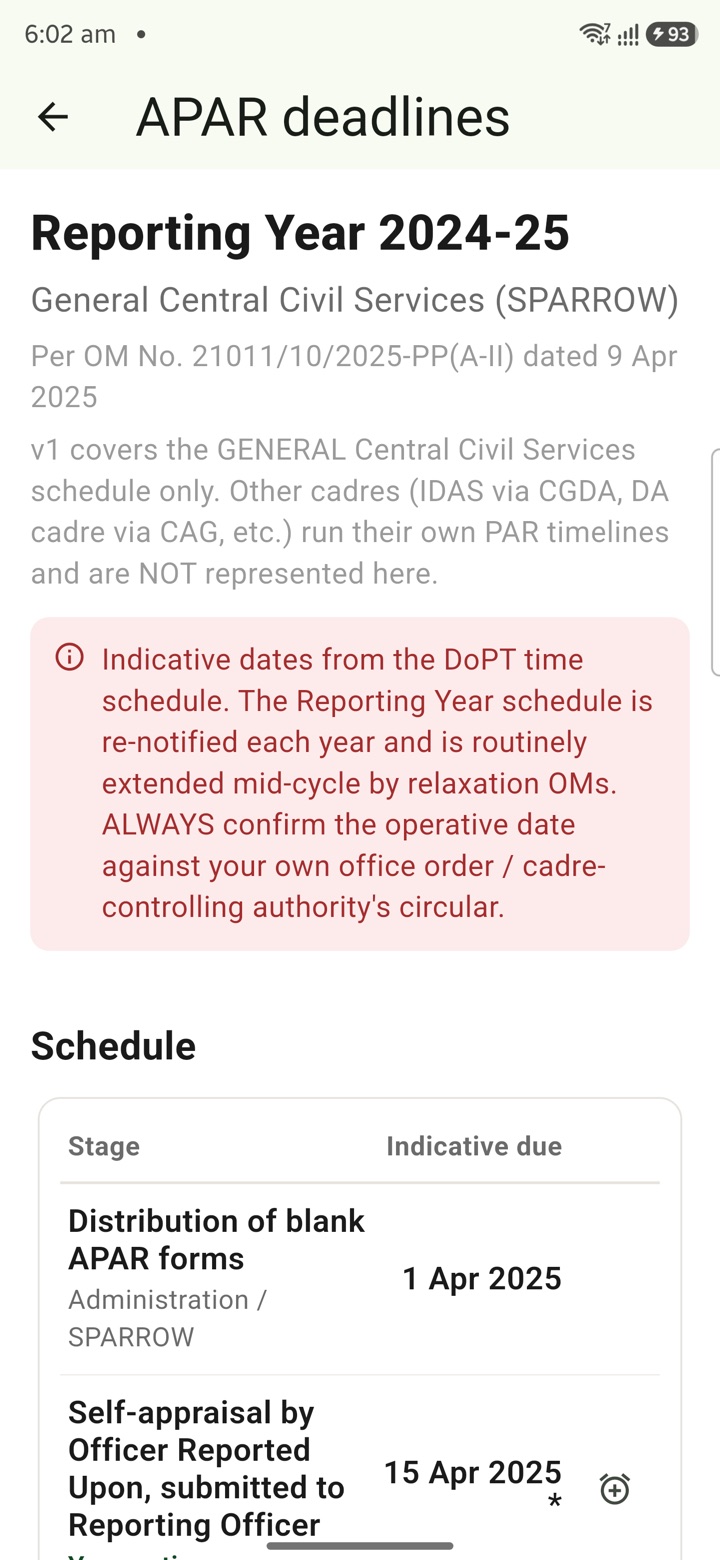
APAR Deadlines
Keep APAR self-appraisal, reporting, reviewing and disclosure dates visible as private reminders
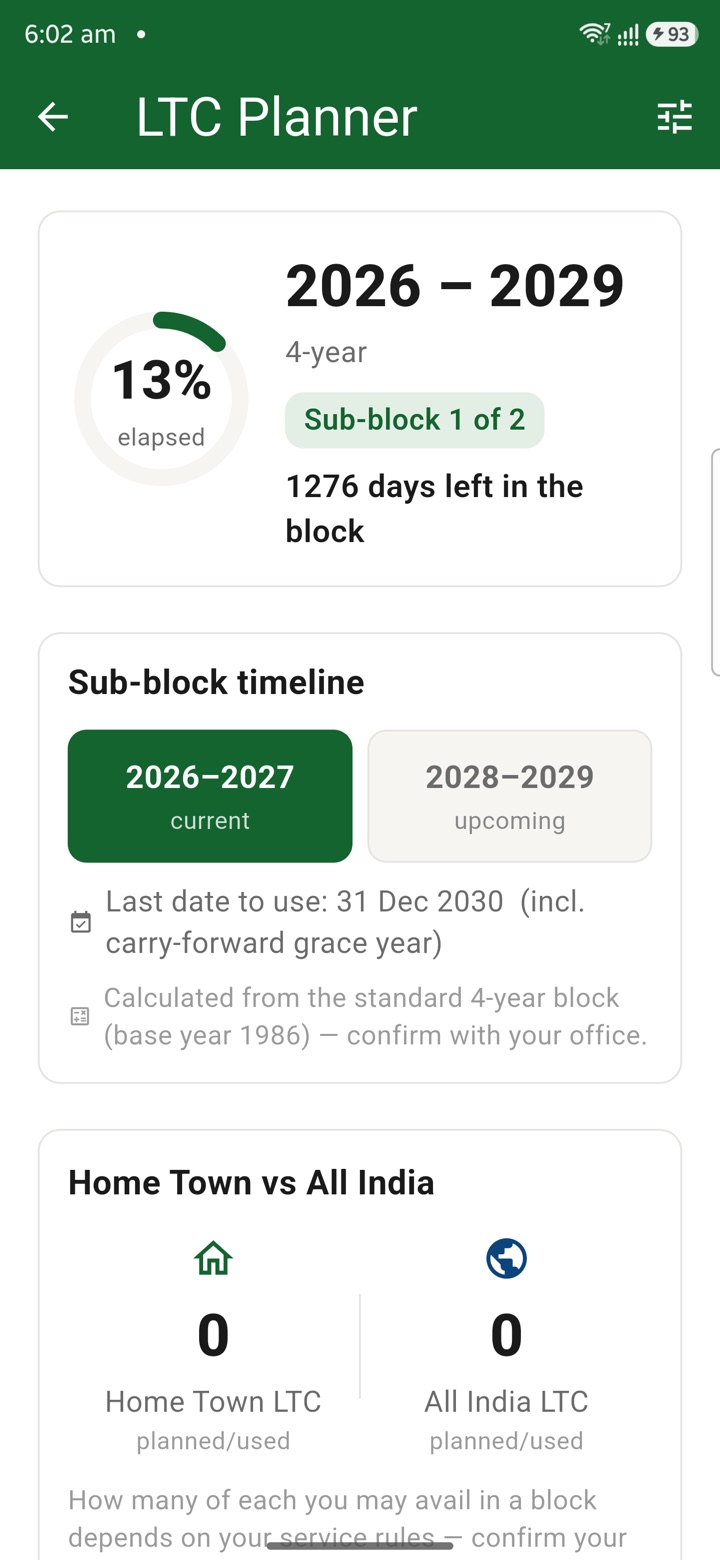
LTC Planner
Plan LTC block-year context, family declarations, route notes, tickets and claim-prep tasks in o
Travel Log
Keep a private journey diary for tours, inspections and field visits with timings, milestones, p
Carry your desk in your pocketअपनी डेस्क, अपनी जेब में
The Android APK below is the legacy direct-download edition. Use it only for an installation originally obtained from this website. Google Play and iOS releases follow separate testing and review tracks.
नीचे दिया गया Android APK पुराना सीधे डाउनलोड वाला संस्करण है। इसे केवल उसी इंस्टॉलेशन के लिए उपयोग करें जो इस वेबसाइट से लिया गया था। Google Play और iOS रिलीज़ की अलग परीक्षण और समीक्षा प्रक्रिया है।
Legacy package in.karyayogi.app · v1.55.59 (8195) · 144 MB · Android 8.0+