Planning & Productivity On Android
TasksTasks
Capture meeting, call, inspection and file follow-up as private next actions before the official file moves.Official file move होने से पहले meeting, call, inspection और file follow-up को private next actions की तरह capture करें।
What it does
The tool, in plain terms
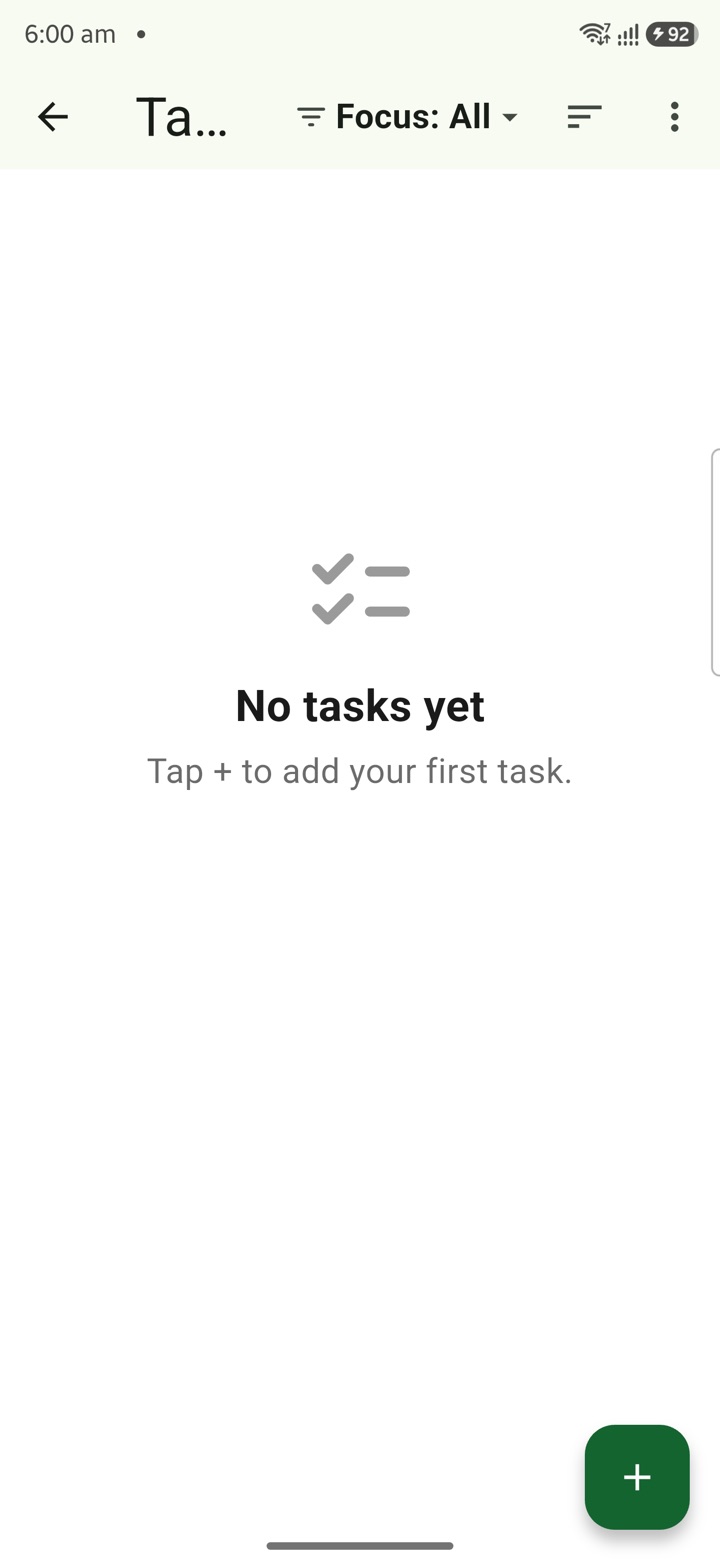
Tasks lets you capture a follow-up the moment it appears, whether it comes up in a meeting, a phone call, a file note or a field visit. Catching the next action while it is fresh means it does not get lost before the official file starts moving.
Each task can carry the detail that makes the next action clear: the work area, a start date, a due date, a tag, subtasks or a recurrence for work that repeats. This keeps your private readiness organised without cluttering any official record.
A task is a private note to yourself, not an official instrument. Use it to stay ready, then complete the actual official action in the authorised system or office channel where the file properly belongs.
Officer workflow
How an officer uses it
A real sequence — from opening the tool to a private, review-ready draft.
Capture the follow-up as soon as it appears in a meeting, call, note or field visit.
Add the work area, start date, due date, tag, subtask or recurrence that makes the next action visible.
Use the task as private readiness, then complete official action in the authorised system or office channel.
Why it earns its place
What you get out of it
{'eyebrow': 'Office execution', 'title': 'One private task desk before the official file moves.', 'body': 'Tasks is the private execution desk for the officer day. Capture a follow-up from a meeting, call, inspection or file, add date, tag, area and next action, then complete the real action only through the authorised office channel.', 'body_hi': 'Tasks officer day के लिए private execution desk है. Meeting, call, inspection या file से follow-up capture करें, date, tag, area और next action जोड़ें, फिर real action authorised office channel में ही complete करें.', 'points': [{'label': 'Capture fast', 'value': 'Write the follow-up while the meeting, call or field visit is still fresh.'}, {'label': 'Make it actionable', 'value': 'Add due date, start date, tag, area, recurrence, subtask or priority.'}, {'label': 'Keep records official', 'value': 'Use Karya Yogi for readiness; files, approvals and correspondence stay in official systems.'}], 'chips': ['Meeting follow-up', 'File reminder', 'Inspection', 'Delegation', 'Next action']}
Tasks
- Working area
- Private official follow-up across meetings, calls, inspections, delegated work and file reminders
- Grade 5 meaning
- Tasks keep one next action visible so work is not forgotten after a meeting or call.
- Officer context
- Turns the Karmayogi service mindset into daily execution without becoming an official record system
- Local delivery
- Works phone-first for field and office days; optional sync can extend the workspace to the India-hosted portal
Straight answers
Questions officers ask about Tasks
No. A task is private readiness only. The official action must still be completed in the authorised system or office channel where the file lives.
Yes. You can add a recurrence to a task, along with a start date, due date, work area, tag and subtasks to keep the next action visible.
Tasks are stored locally on your device and work offline. They sync to the cloud only if you choose the optional encrypted paid plan.
In the same shelf
Related tools
Countdowns
Keep important dates visible with private countdowns for APAR windows, tour dates, increment mon
Notes
Keep meeting notes, inspection prompts, delegation context and service reminders private until a
Voice Notes
Record searchable voice memos with folders, tags, noise isolation, silence-trim choice and Trave
Carry your desk in your pocketअपनी डेस्क, अपनी जेब में
The Android APK below is the legacy direct-download edition. Use it only for an installation originally obtained from this website. Google Play and iOS releases follow separate testing and review tracks.
नीचे दिया गया Android APK पुराना सीधे डाउनलोड वाला संस्करण है। इसे केवल उसी इंस्टॉलेशन के लिए उपयोग करें जो इस वेबसाइट से लिया गया था। Google Play और iOS रिलीज़ की अलग परीक्षण और समीक्षा प्रक्रिया है।
Legacy package in.karyayogi.app · v1.55.59 (8195) · 144 MB · Android 8.0+