Service & Benefits On Android
Central Ministers Directoryकेंद्रीय मंत्री Directory
Browse current Union ministers, portfolios and public-source caveats inside Government tools.Government tools में current Union ministers, portfolios और public-source caveats देखें।
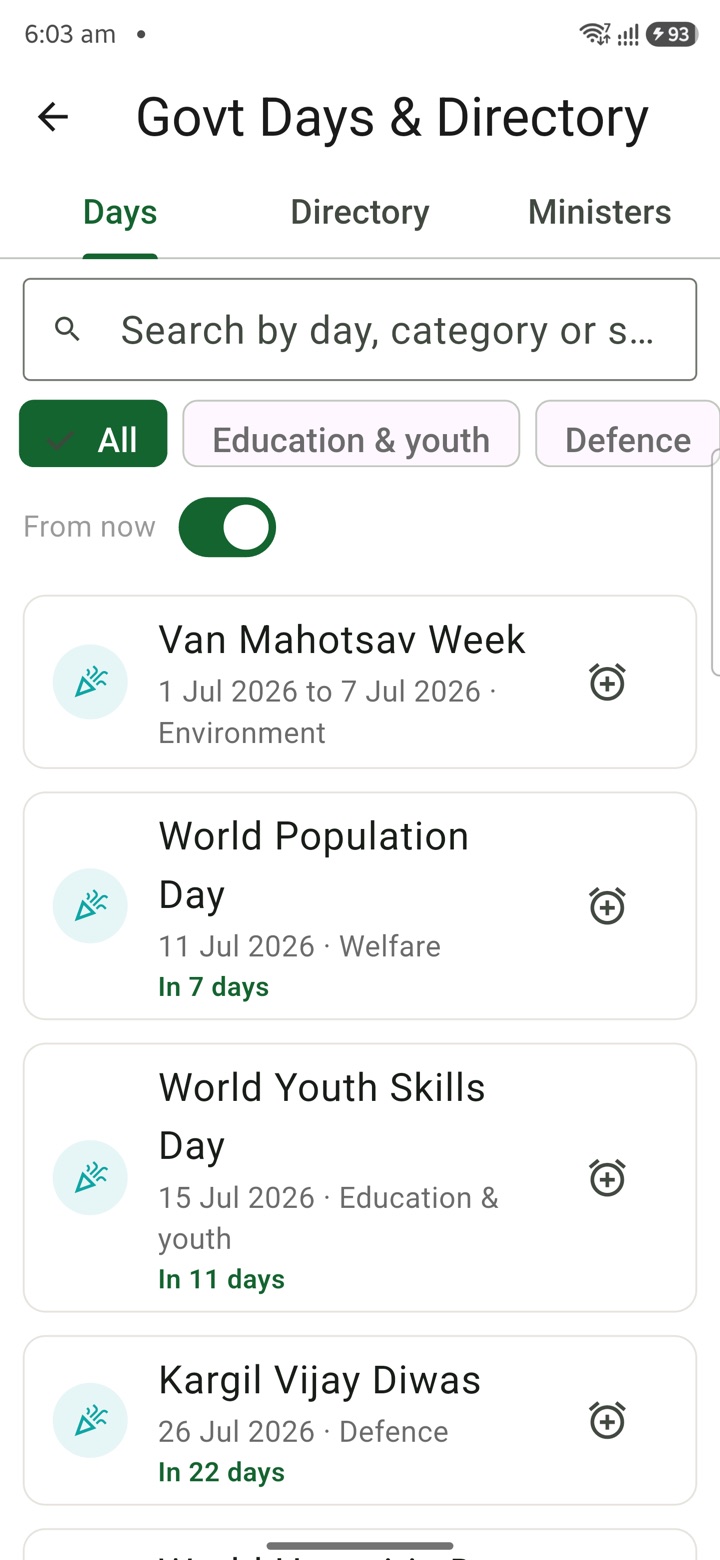
What it does
The tool, in plain terms
Central Ministers Directory lets you browse Union ministers and their portfolios for quick private orientation. You open the card and read an entry with its public-source caveats and date awareness.
This is handy when you need a fast mental map before a meeting or a note, without treating it as a settled record. It is background orientation only.
Before any communication, briefing or publication, verify the current minister, portfolio and department details from official government sources.
Officer workflow
How an officer uses it
A real sequence — from opening the tool to a private, review-ready draft.
Open the Central Ministers Directory card from the Service & Benefits tools area.
Use the directory entry as private orientation with public-source caveats and date awareness.
Verify current minister, portfolio and department details from official government sources before communication, briefing or publication.
Why it earns its place
What you get out of it
Central Ministers Directory
- Working area
- Union minister names, portfolios, public-source caveats and date-sensitive directory reminders for central government context
- Officer context
- Useful for private orientation before drafting notes, meeting prep or portfolio-aware follow-ups inside authorised work channels
- English + Hindi
- Summary copy supports English and Hindi directory language where bilingual text exists
Straight answers
Questions officers ask about Central Ministers Directory
It carries public-source caveats and date awareness, but portfolios change. Verify current details from official government sources.
No. Use it for orientation only. Confirm the minister and portfolio officially before any briefing or publication.
It is drawn from public sources with caveats; the authoritative record is the official government listing.
In the same shelf
Related tools
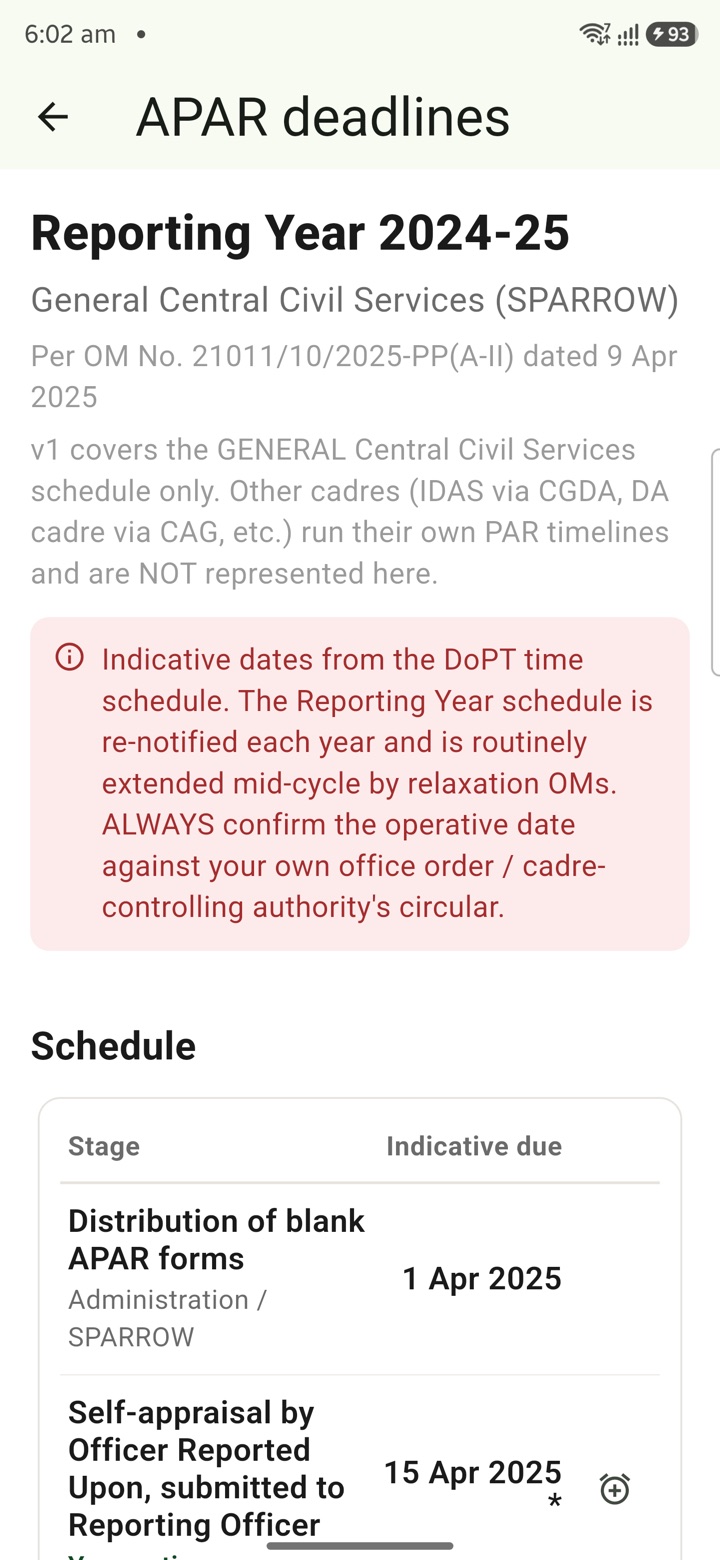
APAR Deadlines
Keep APAR self-appraisal, reporting, reviewing and disclosure dates visible as private reminders
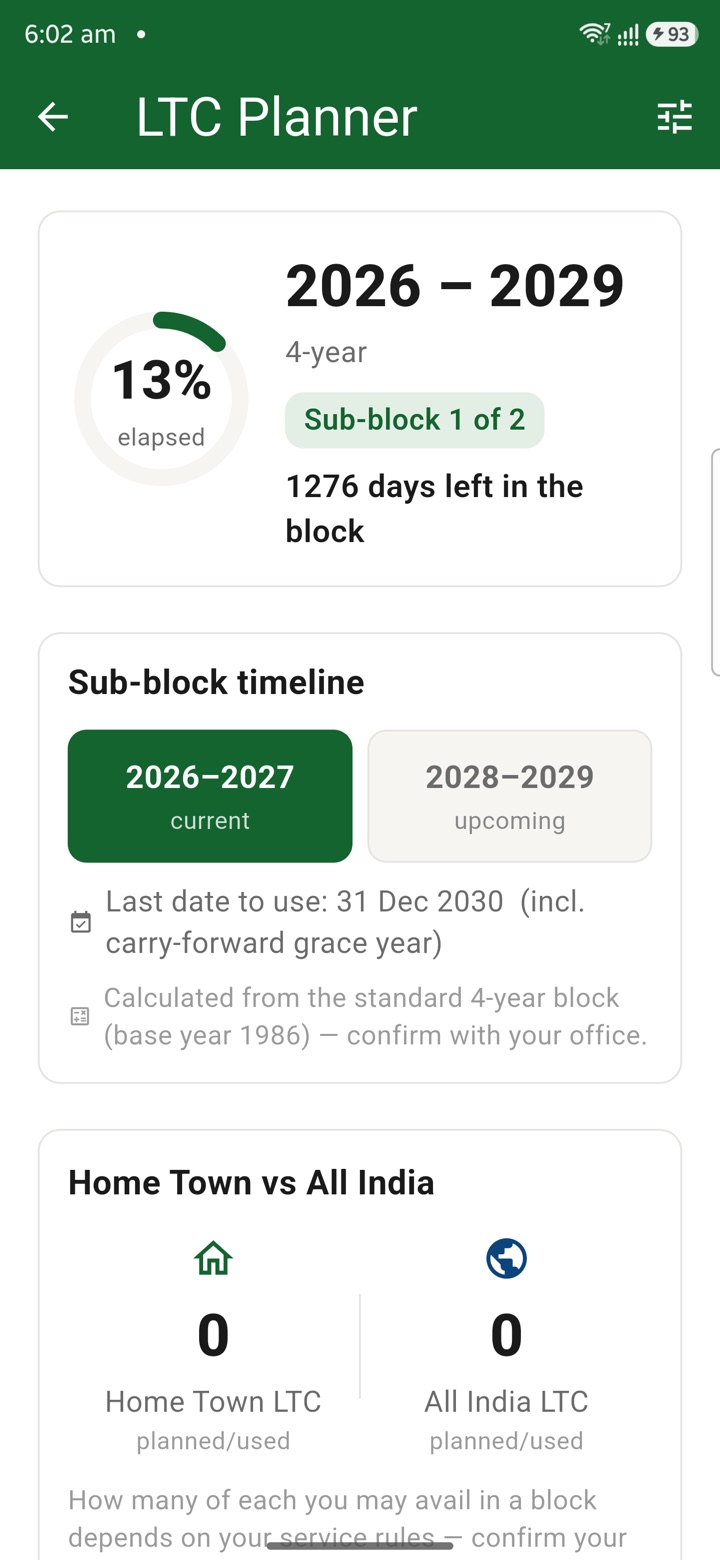
LTC Planner
Plan LTC block-year context, family declarations, route notes, tickets and claim-prep tasks in o
Official Tour Claim Desk
Estimate tour claim context, TA/DA assumptions, route notes and document rows privately before t
Carry your desk in your pocketअपनी डेस्क, अपनी जेब में
The Android APK below is the legacy direct-download edition. Use it only for an installation originally obtained from this website. Google Play and iOS releases follow separate testing and review tracks.
नीचे दिया गया Android APK पुराना सीधे डाउनलोड वाला संस्करण है। इसे केवल उसी इंस्टॉलेशन के लिए उपयोग करें जो इस वेबसाइट से लिया गया था। Google Play और iOS रिलीज़ की अलग परीक्षण और समीक्षा प्रक्रिया है।
Legacy package in.karyayogi.app · v1.55.59 (8195) · 144 MB · Android 8.0+