Personal Utility On Android
Document ScannerDocument Scanner
Scan, crop, OCR, organise, merge and share personal or permitted documents with on-device-first handling.Personal या permitted documents को on-device-first handling के साथ scan, crop, OCR, organise, merge और share करें।
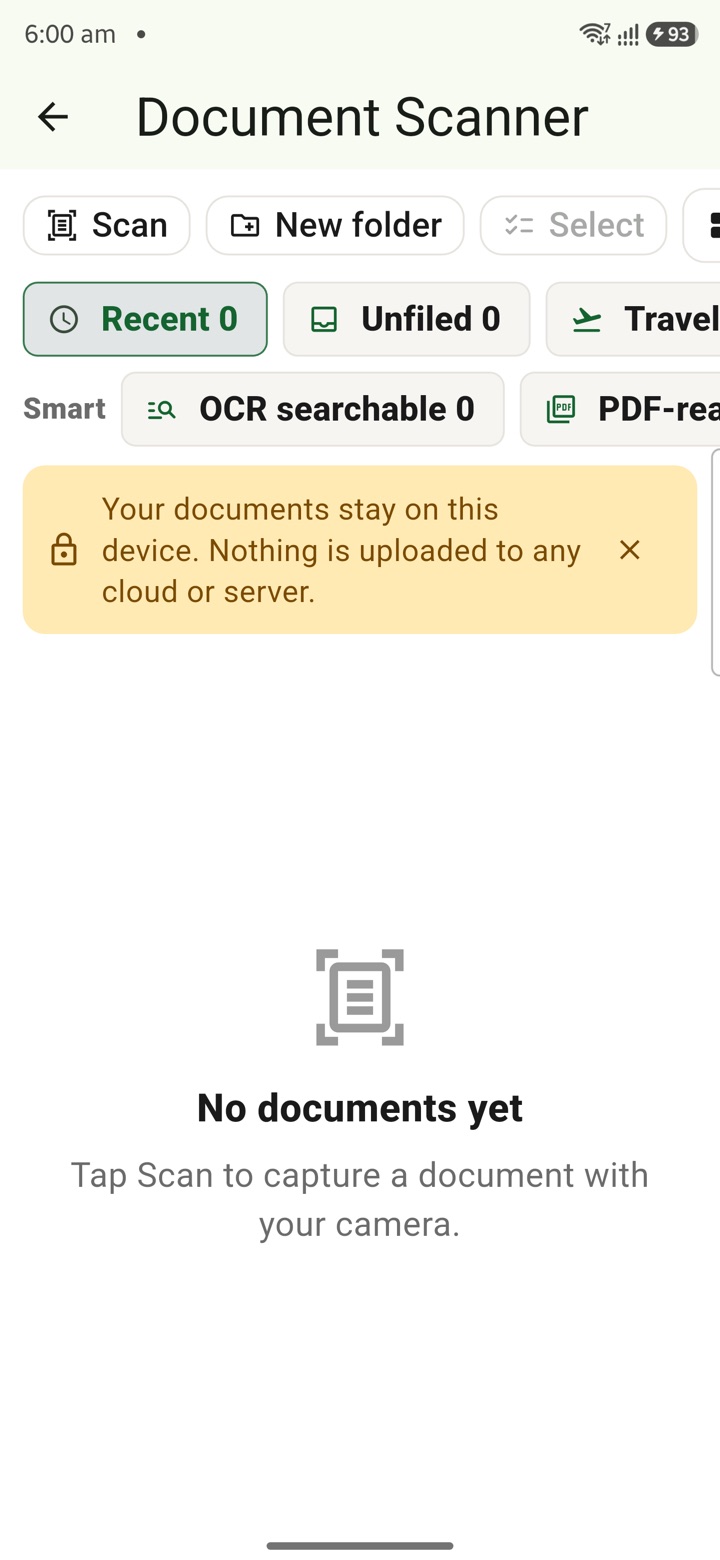
What it does
The tool, in plain terms
Document Scanner turns your phone camera into a scanner for personal or permitted papers. Place the paper on a clear surface and scan it, then crop, run OCR, organise, merge or preview the file before you decide to do anything with it.
When you share, only the file you select is sent, and handling is on-device first. Keep classified, restricted or otherwise unauthorised official records out of the scanner; use it only for personal or explicitly permitted documents.
Officer workflow
How an officer uses it
A real sequence — from opening the tool to a private, review-ready draft.
Place the permitted paper on a clear surface and scan it with the phone camera.
Crop, OCR, organise, merge or preview the file before any deliberate handoff.
Share only the selected file, and keep classified, restricted or unauthorised official records out of the scanner.
Why it earns its place
What you get out of it
{'eyebrow': 'Permitted document capture', 'title': 'Scan only what is allowed.', 'body': 'Document Scanner is for personal papers, receipts, tour support notes and permitted attachments. It helps scan, crop, OCR, organise, merge and share selected files on device first, with a clear boundary around restricted official records.', 'body_hi': 'Document Scanner personal papers, receipts, tour support notes और permitted attachments के लिए है. यह selected files को on device पहले scan, crop, OCR, organise, merge और share करने में मदद करता है, restricted official records से clear boundary रखता है.', 'points': [{'label': 'Scan cleanly', 'value': 'Capture the permitted paper, crop the edges and review readability.'}, {'label': 'Prepare the file', 'value': 'Use OCR, organise pages or merge a PDF before sharing.'}, {'label': 'Respect limits', 'value': 'Do not scan classified, restricted or unauthorised official material.'}], 'chips': ['Receipts', 'Permitted papers', 'OCR', 'PDF merge', 'Selected share']}
Document Scanner
- Working area
- Personal papers, receipts, tour support notes, allowed attachments, OCR, PDF merge and selected sharing
- Grade 5 meaning
- Document Scanner makes a clean phone scan of a permitted paper and lets you share only the chosen file.
- Officer context
- Prepare clear copies before a deliberate email, PDF or WhatsApp handoff
Straight answers
Questions officers ask about Document Scanner
No. Keep classified, restricted or unauthorised official records out of the scanner. Use it only for personal or explicitly permitted documents.
Handling is on-device first, so scanning, cropping, OCR and merging can work locally, including with the SIM removed.
Only when you deliberately share it, and only the file you selected. Nothing is sent automatically.
In the same shelf
Related tools
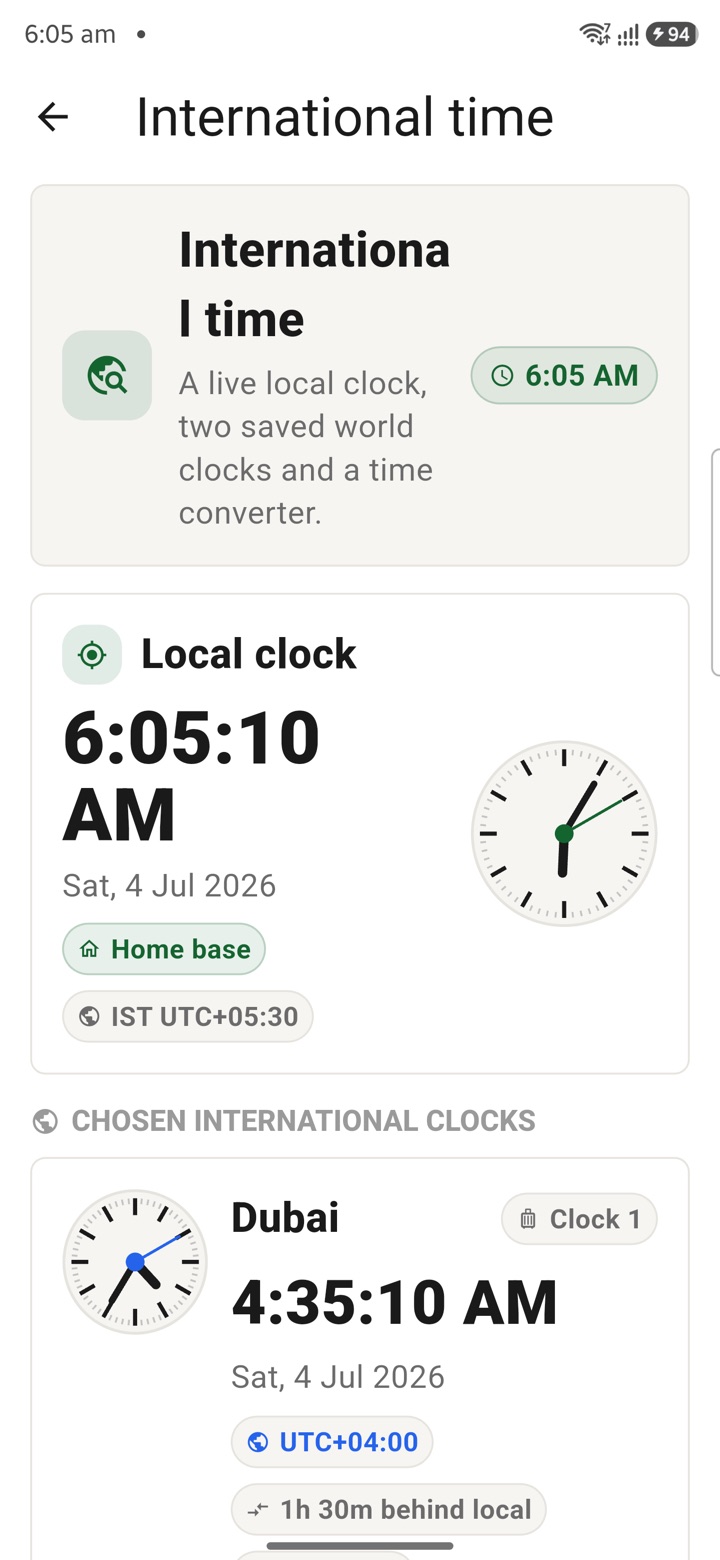
International Time
Check international time before embassy calls, deputation travel, training cohorts or late-eveni
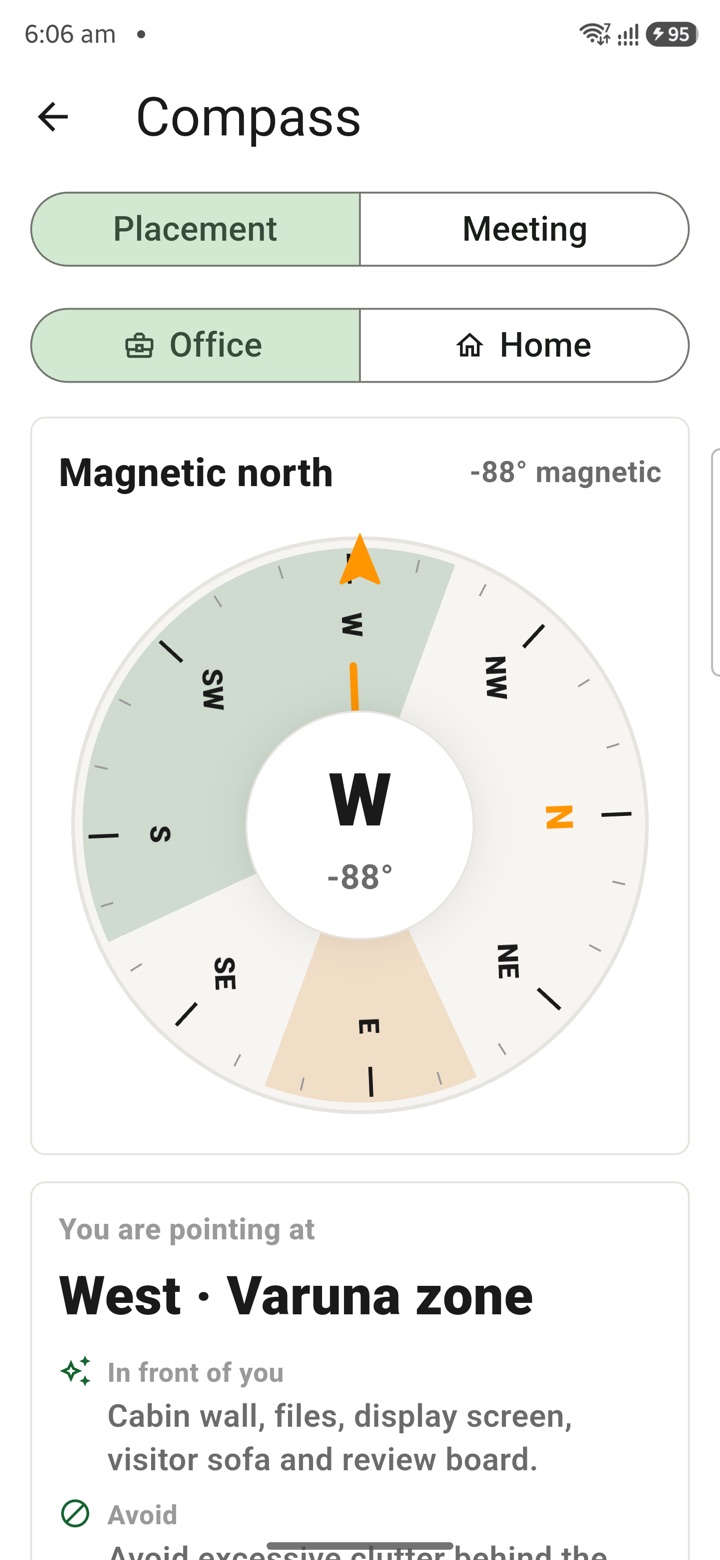
Compass With Vastu
Open a live compass, see which way the phone points and use optional Vastu cues as a private des
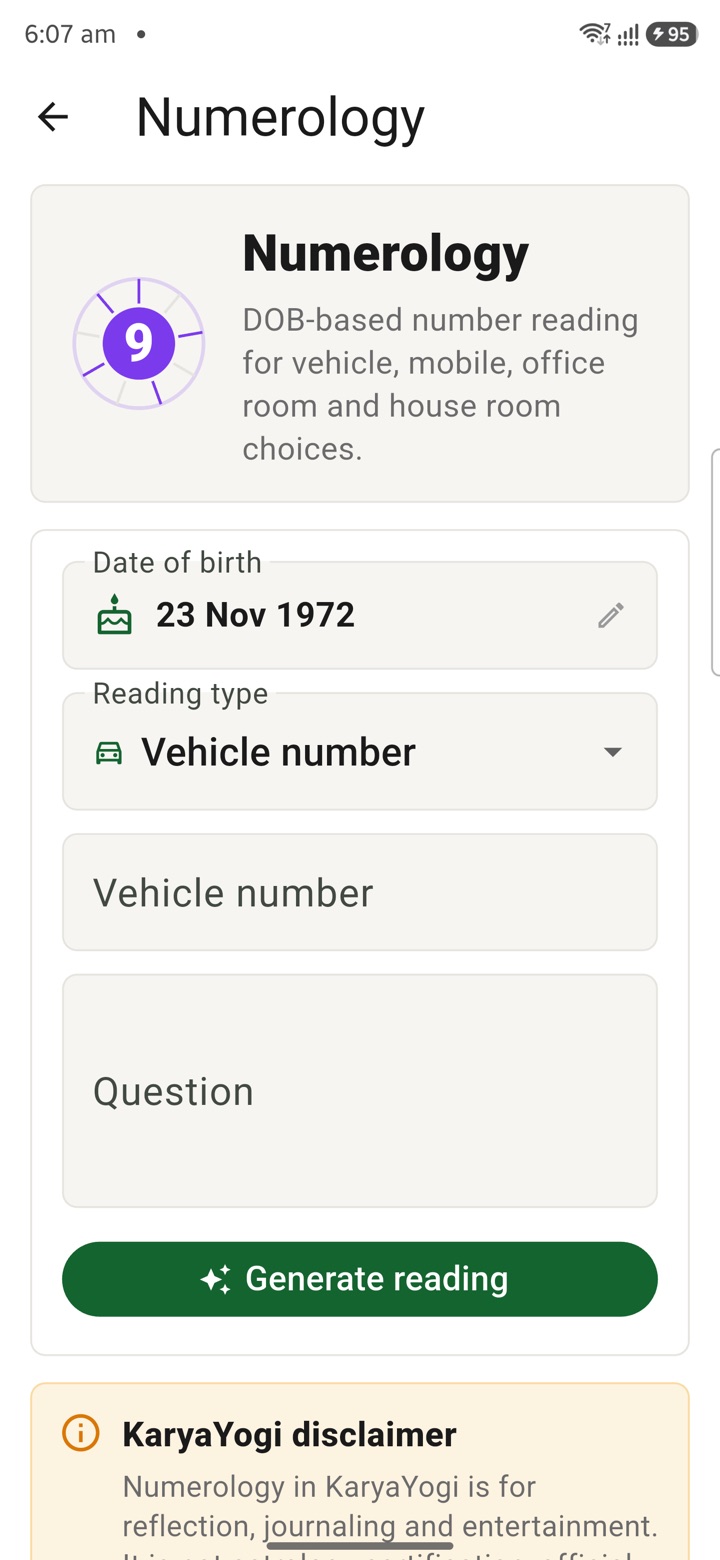
Numerology
Review number patterns for personal reflection around rooms, dates or phone numbers without trea
Carry your desk in your pocketअपनी डेस्क, अपनी जेब में
The Android APK below is the legacy direct-download edition. Use it only for an installation originally obtained from this website. Google Play and iOS releases follow separate testing and review tracks.
नीचे दिया गया Android APK पुराना सीधे डाउनलोड वाला संस्करण है। इसे केवल उसी इंस्टॉलेशन के लिए उपयोग करें जो इस वेबसाइट से लिया गया था। Google Play और iOS रिलीज़ की अलग परीक्षण और समीक्षा प्रक्रिया है।
Legacy package in.karyayogi.app · v1.55.59 (8195) · 144 MB · Android 8.0+