Leave & Calendar On Android
Leave Managementछुट्टी प्रबंधन
Plan leave, find holiday bridges, check CL/RH/EL-style balances, create checklists and prepare a private PDF request draft.Leave plan करें, holiday bridge खोजें, CL/RH/EL-style balance देखें, checklist बनाएं और private PDF request draft तैयार करें।
What it does
The tool, in plain terms
Leave Management is a private planning workspace for organising your leave before you file it through your authorised office channel. It gives you Plan, Balances and History tabs so you can start from the calendar or from a suggested holiday bridge, and its Bridge Finder shows where existing weekends and public holidays already create free days, for example five days off using only two leave days.
You can allocate CL, RH, EL or other balance notes against a chosen spell and see caps and combination warnings before you commit. Committing produces a private draft only, plus checklist items covering application, sanction, travel booking, packing and return-day follow-up.
The balances and rules here are your own notes for planning. They are not an official leave account, and the tool does not apply for or sanction any leave.
Officer workflow
How an officer uses it
A real sequence — from opening the tool to a private, review-ready draft.
Open Leave, review the Plan, Balances and History tabs, then choose whether to start from the calendar or from a bridge suggestion.
Use Bridge Finder to see where weekends and holidays already create free days, such as 5 days off using only 2 leave days.
Allocate CL, RH, EL or other balance notes against the selected spell, checking caps and combination warnings before committing.
Commit the leave plan only as a private draft, then use checklist items for application, sanction, travel booking, packing and return-day follow-up.
Generate a leave-request PDF when you need a clean draft for review, while keeping the final submission inside the authorised office workflow.
Why it earns its place
What you get out of it
- Know the real cost of a break: total days away, actual leave days consumed and free days gained through weekends or holidays.
- Compare CL, RH, EL and HPL-style balance notes before deciding which leave type should be used for the spell.
- Prepare a clean checklist for charge handover, pending files, travel booking, packing, school or family coordination and joining-back reminders.
- Generate a private PDF request draft that can be reviewed before the officer submits through the authorised office process.
Leave Management
- Working area
- Leave calendar, bridge finder, CL/RH/EL/HPL-style balance notes, history ledger, checklist and PDF request preparation
- Screen proof
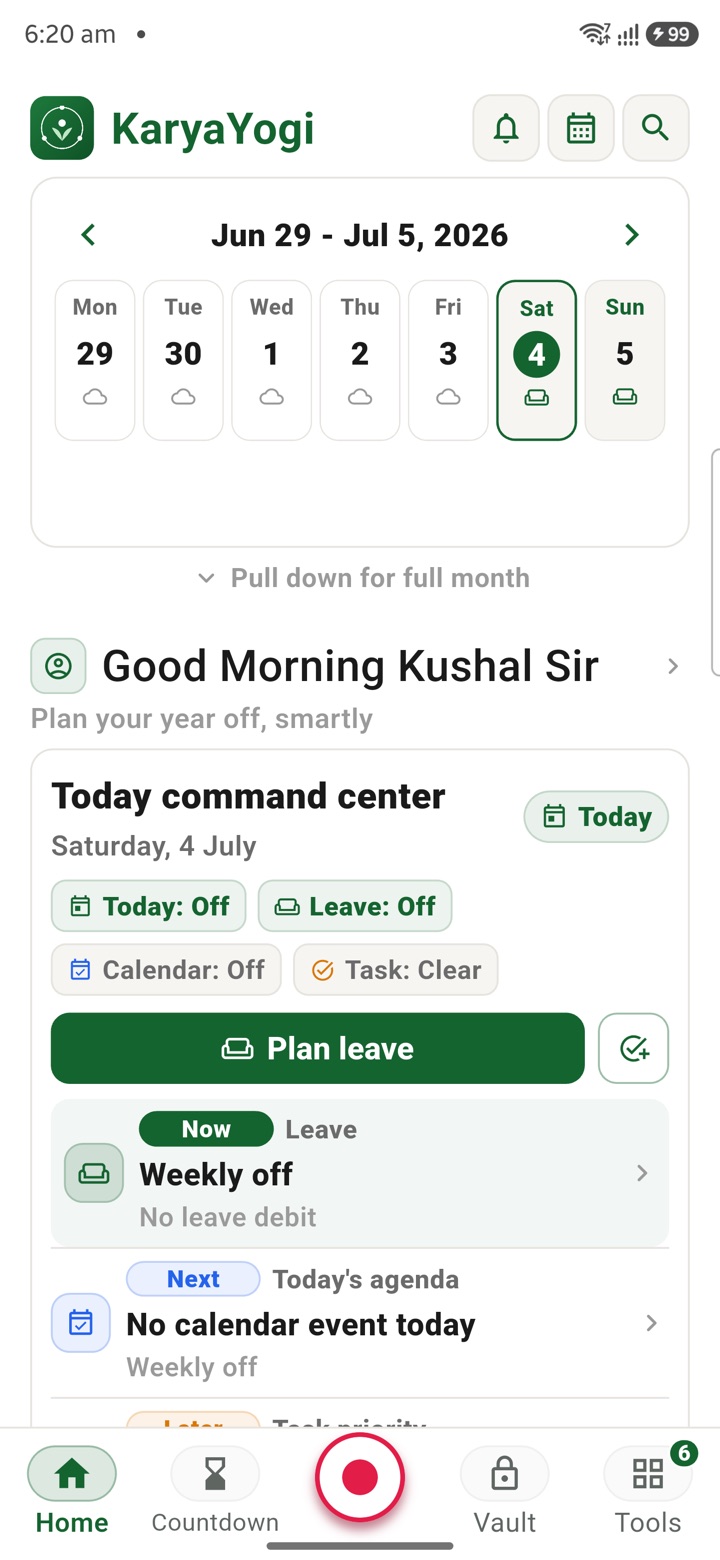
- Eight fresh Android screenshots from the Leave, Plan leave, Balances, History and generated Tasks screens
- Officer context
- Before opening eOffice, HRMS or a physical leave form, the officer can test the leave spell privately: which dates are already holidays, how many working days are actually being taken, which leave type can cover the gap and what office follow-up is needed before leaving.
- How it operates
- Bridge Finder turns weekends and holidays into usable windows, Balances shows CL, RH, EL and HPL-style notes in one place, History keeps earlier leave context, and the checklist turns the plan into application, sanction, travel, packing and return-day tasks.
Straight answers
Questions officers ask about Leave Management
No. Committing only saves a private draft and a PDF you control. You must still apply and get sanction through your authorised office system.
No. They are notes you enter yourself for planning. Always verify your actual balance and entitlement through your department's authorised leave records.
It scans existing weekends and public holidays to show where a few leave days can create a longer break, such as five days off using only two leave days.
In the same shelf
Related tools
Carry your desk in your pocketअपनी डेस्क, अपनी जेब में
The Android APK below is the legacy direct-download edition. Use it only for an installation originally obtained from this website. Google Play and iOS releases follow separate testing and review tracks.
नीचे दिया गया Android APK पुराना सीधे डाउनलोड वाला संस्करण है। इसे केवल उसी इंस्टॉलेशन के लिए उपयोग करें जो इस वेबसाइट से लिया गया था। Google Play और iOS रिलीज़ की अलग परीक्षण और समीक्षा प्रक्रिया है।
Legacy package in.karyayogi.app · v1.55.59 (8195) · 144 MB · Android 8.0+