Privacy & Settings On Android
Direct Drop / Local ShareDirect Drop / Local Share
Share selected files, notes and delegated tasks nearby as a local device-to-device handoff without WhatsApp, email or cloud sync.Selected files, notes और delegated tasks को WhatsApp, email या cloud sync के बिना local device-to-device handoff की तरह nearby share करें।
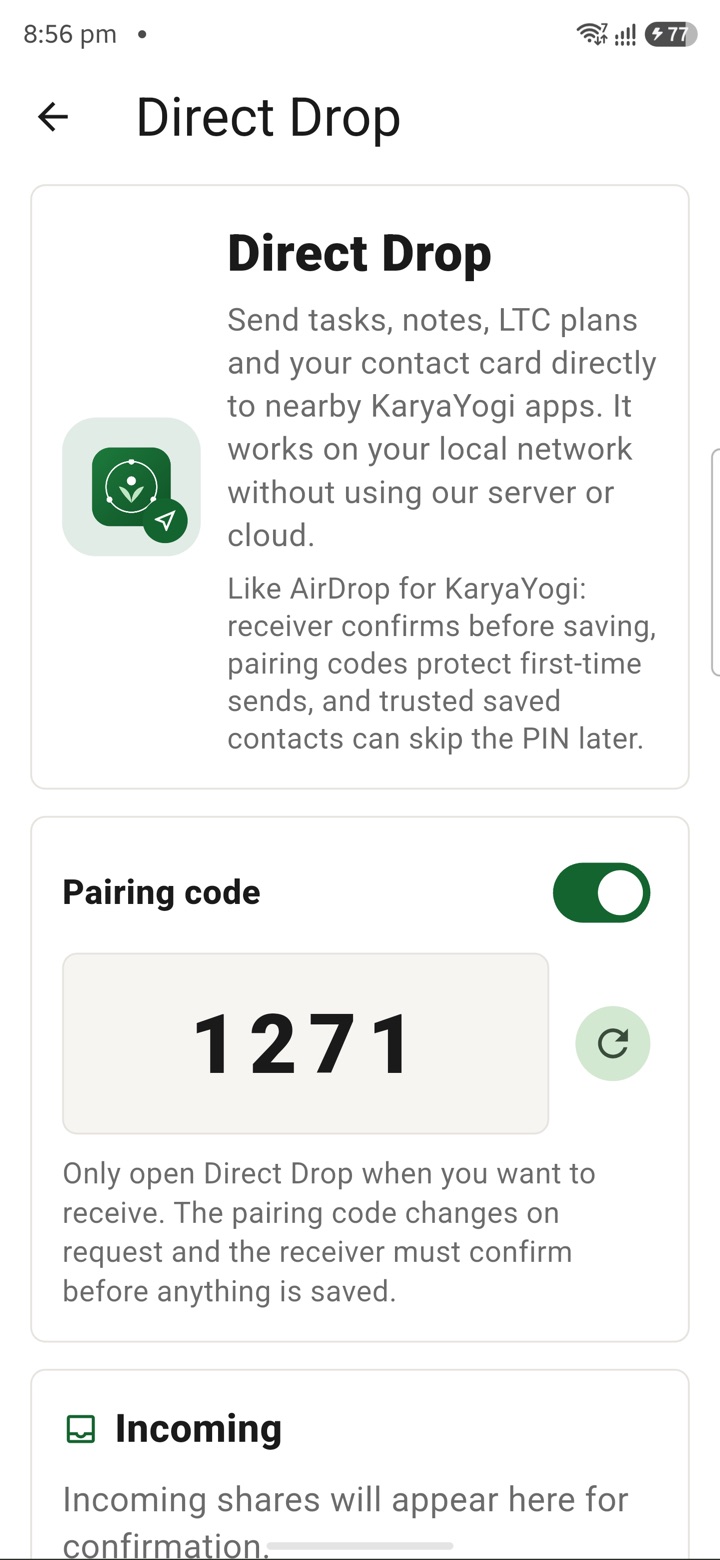
What it does
The tool, in plain terms
Direct Drop lets you move one selected item, a note, a file or a delegated task, straight to another trusted device nearby. You pick the exact thing that should move, so nothing extra is shared by accident.
The handoff is device-to-device. It does not route through WhatsApp, email, public links or KaryaYogi cloud sync, so the item does not sit on any outside server during the transfer. You confirm on the receiving device that it arrived, then complete the handoff.
This is for your own private planning material only. It does not file or submit anything officially; keep official records inside your authorised government systems.
Officer workflow
How an officer uses it
A real sequence — from opening the tool to a private, review-ready draft.
Select the exact note, file or delegated task that should move to another trusted device.
Use Direct Drop as a nearby handoff so the item does not need WhatsApp, email, public links or cloud sync.
Check the receiving device, complete the handoff, and keep official records inside authorised government systems.
Why it earns its place
What you get out of it
Direct Drop / Local Share
- Working area
- Offline private sharing for selected notes, files and delegated tasks
- Grade 5 meaning
- Pick one item. Choose a trusted nearby device. Send only that item, without posting it on WhatsApp, email or a cloud drive.
- Privacy control
- Designed as a Direct Drop handoff with explicit selection, local-first control, nearby transfer intent and no full-workspace exposure.
- Officer context
- Useful when a central government officer needs to pass a small file packet, note or task to a trusted device without making a public chat trail.
- Best for
- File packets, meeting notes, delegated task context, field-office handoffs and quick transfer between trusted devices.
Straight answers
Questions officers ask about Direct Drop / Local Share
No. It is a nearby device-to-device handoff, so the item does not go through cloud sync, email, WhatsApp or public links during the transfer.
No. It only moves your private planning items between your own trusted devices; official submissions and records must go through your authorised government systems.
Only the single note, file or delegated task you select, nothing else on your device is included in the handoff.
In the same shelf
Related tools
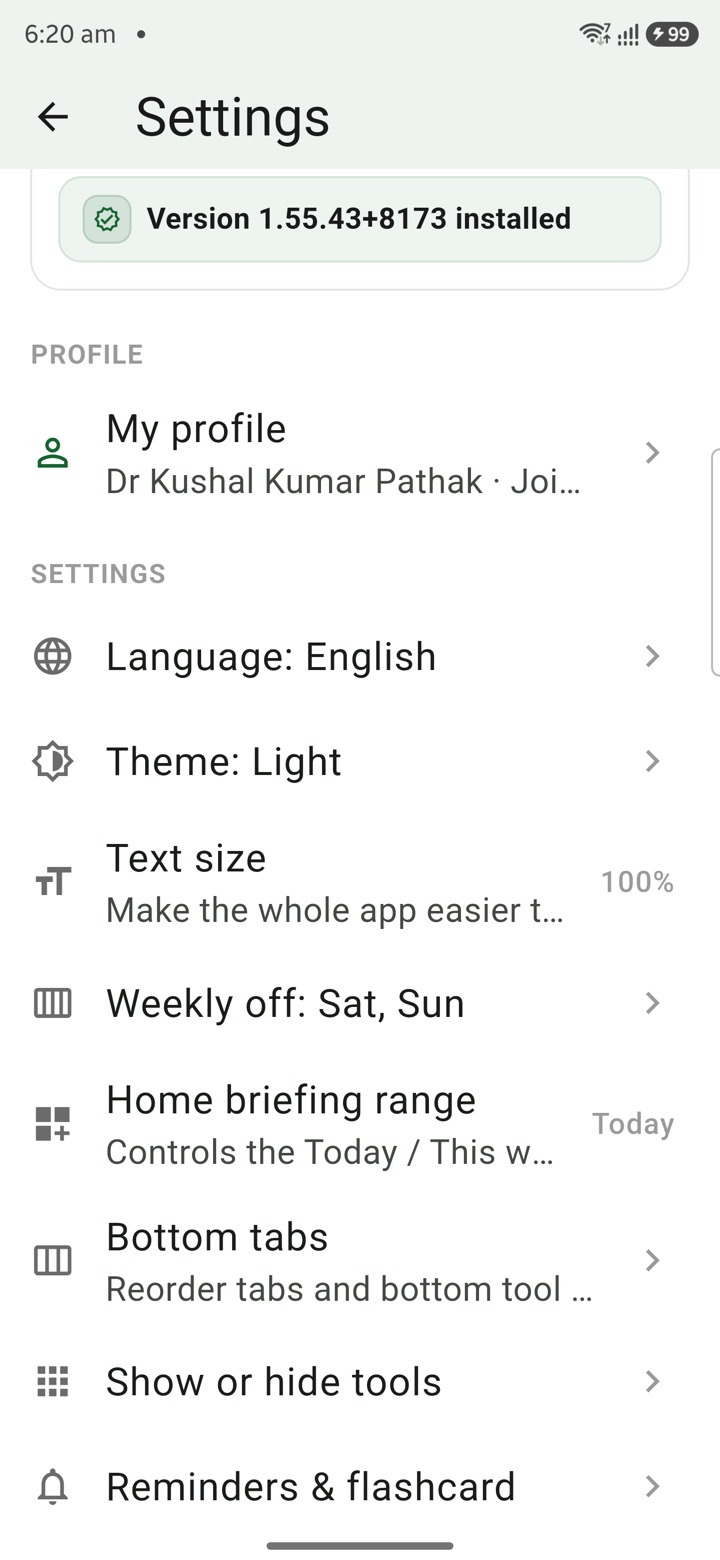
Local Profile
Save mobile-compatible profile details for leave letters, retirement, pay tools and service reco
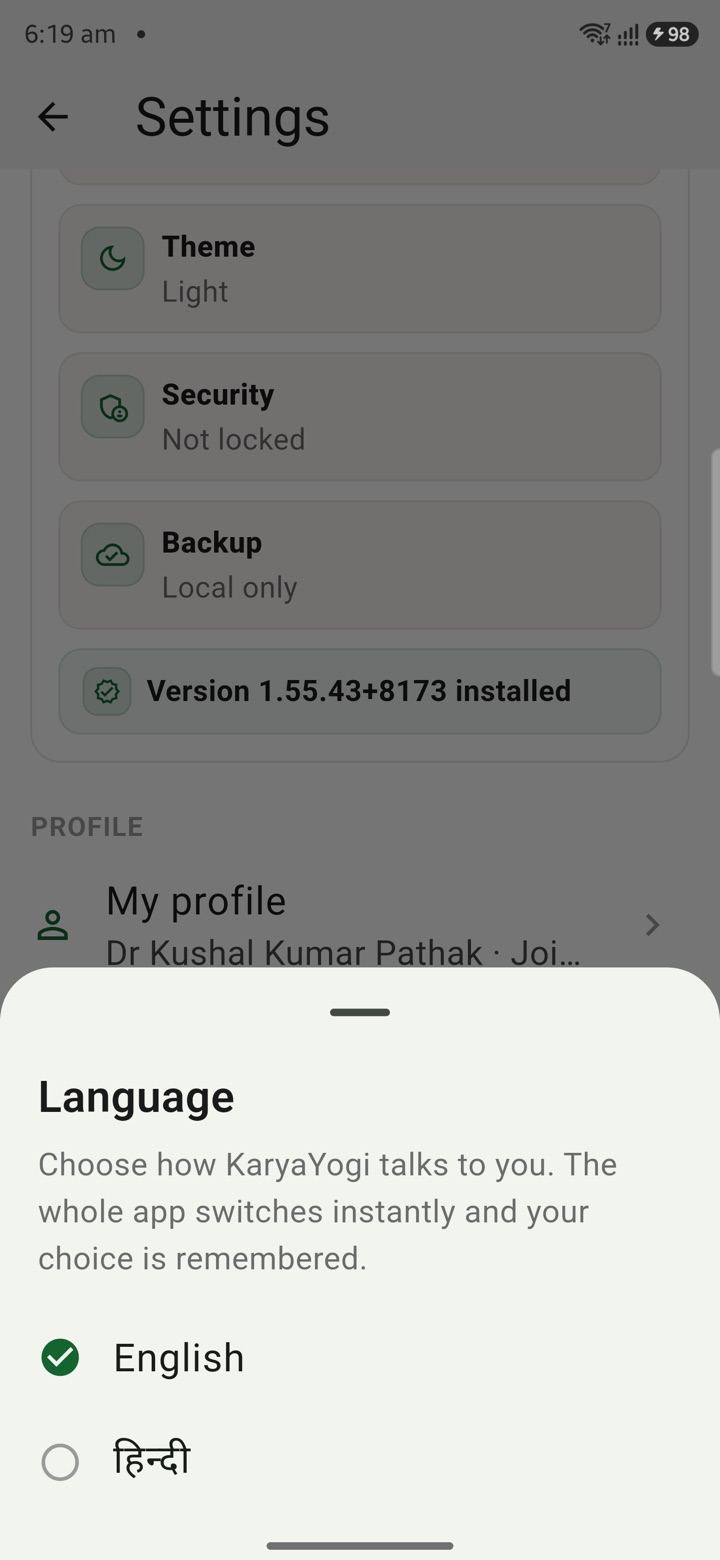
English or Hindi
Choose English or Hindi for feature names, prompts and planning notes used across daily officer
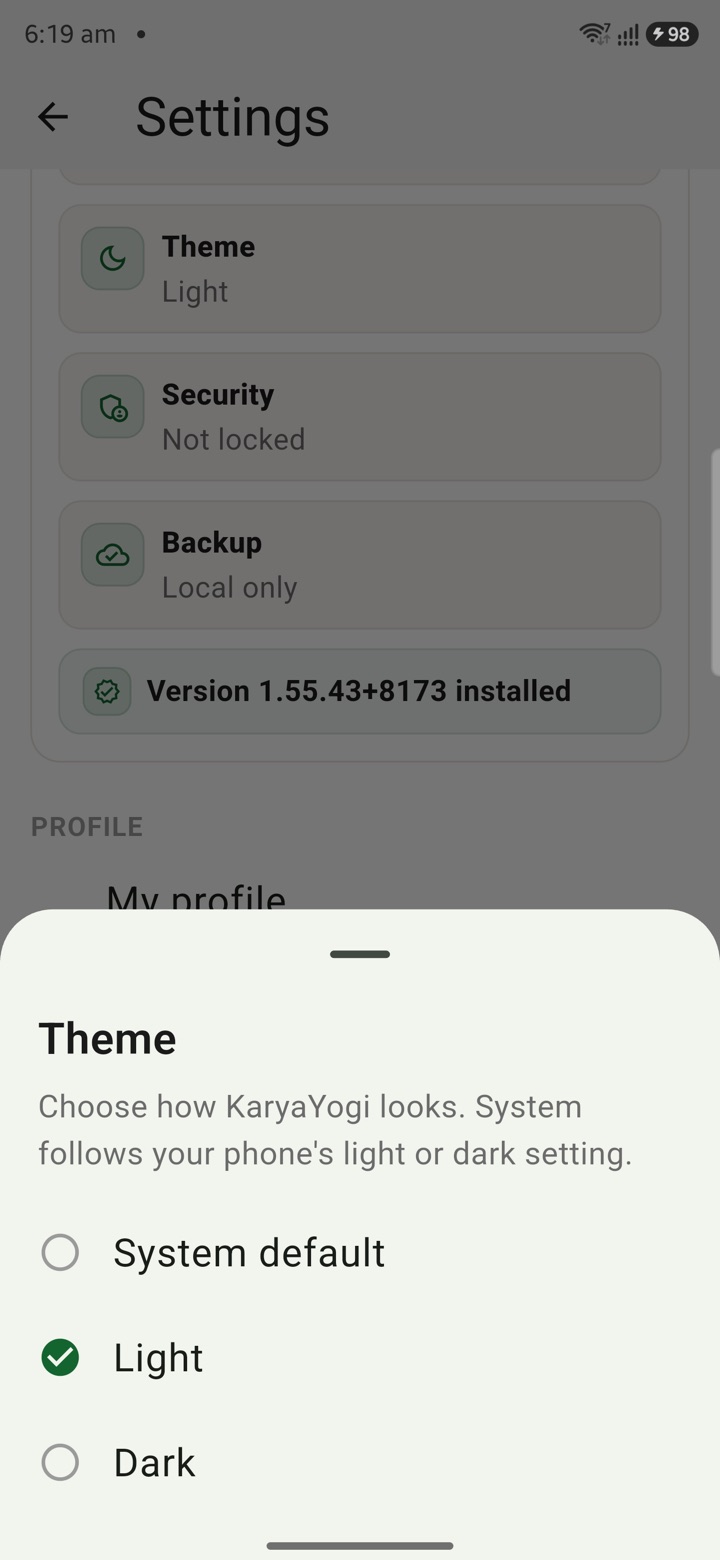
Light & Dark Theme
Switch light or dark theme for office desks, travel, inspections and late-night file-review sess
Carry your desk in your pocketअपनी डेस्क, अपनी जेब में
The Android APK below is the legacy direct-download edition. Use it only for an installation originally obtained from this website. Google Play and iOS releases follow separate testing and review tracks.
नीचे दिया गया Android APK पुराना सीधे डाउनलोड वाला संस्करण है। इसे केवल उसी इंस्टॉलेशन के लिए उपयोग करें जो इस वेबसाइट से लिया गया था। Google Play और iOS रिलीज़ की अलग परीक्षण और समीक्षा प्रक्रिया है।
Legacy package in.karyayogi.app · v1.55.59 (8195) · 144 MB · Android 8.0+