Privacy & Settings On Android
Secured Vaultसुरक्षित वॉल्ट
Keep frequently used personal numbers masked, copy-aware and protected by local device lock; avoid storing classified or restricted official records.अक्सर इस्तेमाल होने वाले personal numbers को masked, copy-aware और local device lock से protected रखें; classified या restricted official records store न करें।
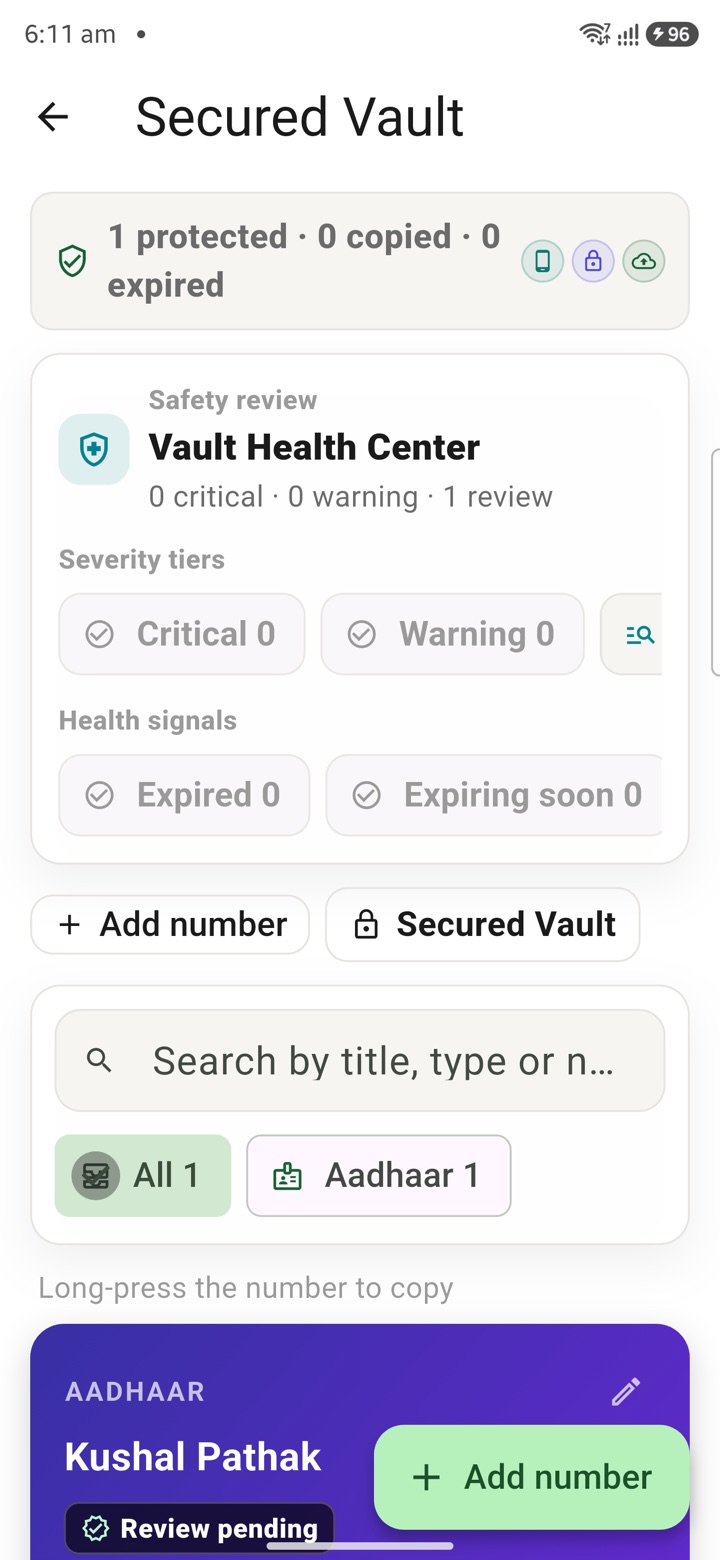
What it does
The tool, in plain terms
Secured Vault holds the personal numbers you use often, keeping them masked on screen and copy-aware so they are protected behind your device lock. You make this an explicit control rather than leaving such details scattered in notes.
The vault is for your own frequently used details, kept locally on this device. It is a convenience with a privacy guard, not a place for official records.
Do not store classified or restricted official records here. Keep sensitive official material out of private backups, shares and unauthorised storage, and rely on authorised systems for anything official.
Officer workflow
How an officer uses it
A real sequence — from opening the tool to a private, review-ready draft.
Review what the control changes on this phone, account or optional sync path.
Use Secured Vault to make the preference explicit instead of hidden.
Keep sensitive official material out of private backups, shares and unauthorised storage.
Why it earns its place
What you get out of it
Secured Vault
- Working area
- Privacy & Settings
- How it operates
- Choose the local preference or account control deliberately, review what changes on device or sync, then keep sensitive work inside approved channels.
- Screen proof
- Full Android screenshot framed on this page
- Best for
- Private planning for central government employees, officers, IAS officers and civil servants
Straight answers
Questions officers ask about Secured Vault
Your saved numbers are hidden on screen and handled carefully when copied, so they are not casually exposed to anyone looking at your phone.
No. It is for your own frequently used personal numbers; keep classified or restricted official records in authorised government systems.
It sits behind your device lock and, like your other data, in KaryaYogi's AES-256 local vault on this phone.
In the same shelf
Related tools
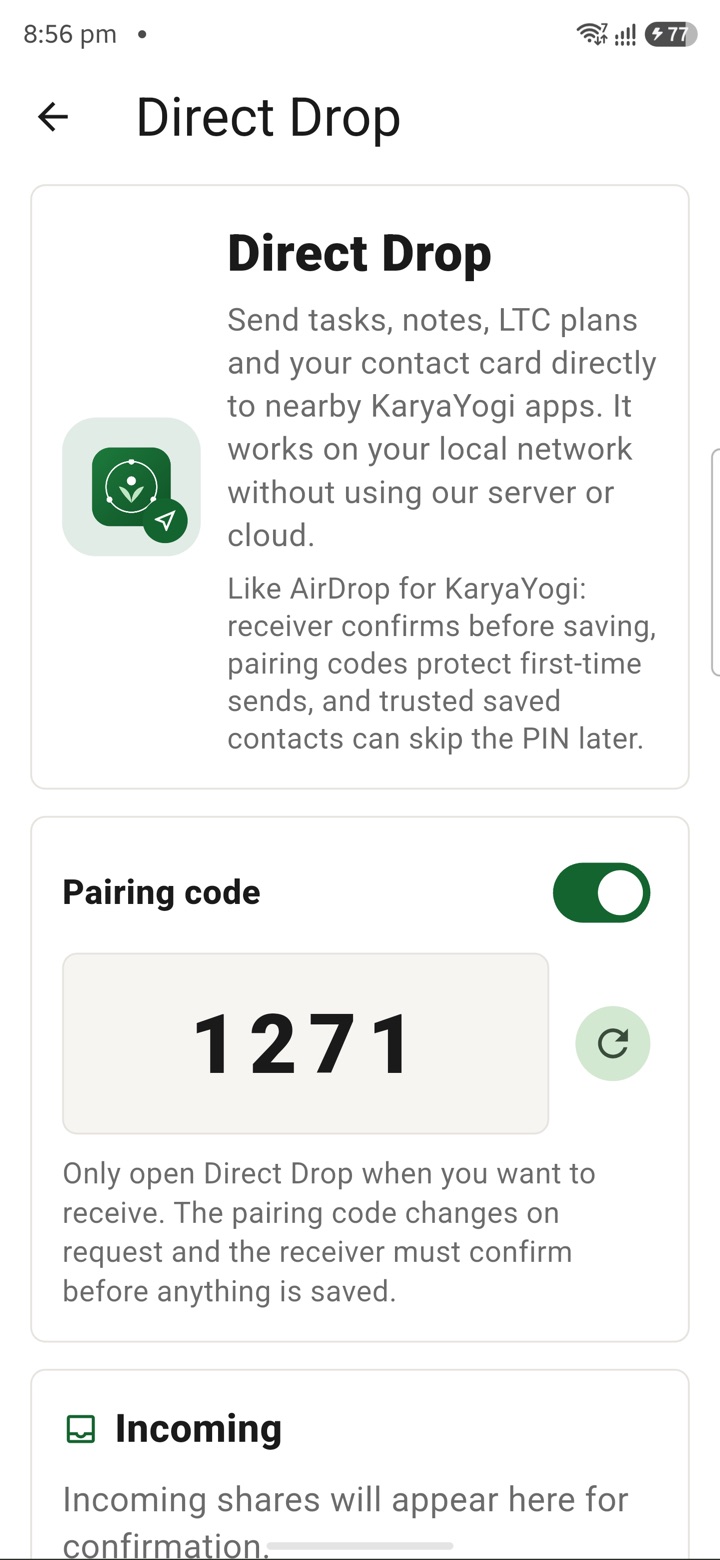
Direct Drop / Local Share
Share selected files, notes and delegated tasks nearby as a local device-to-device handoff witho
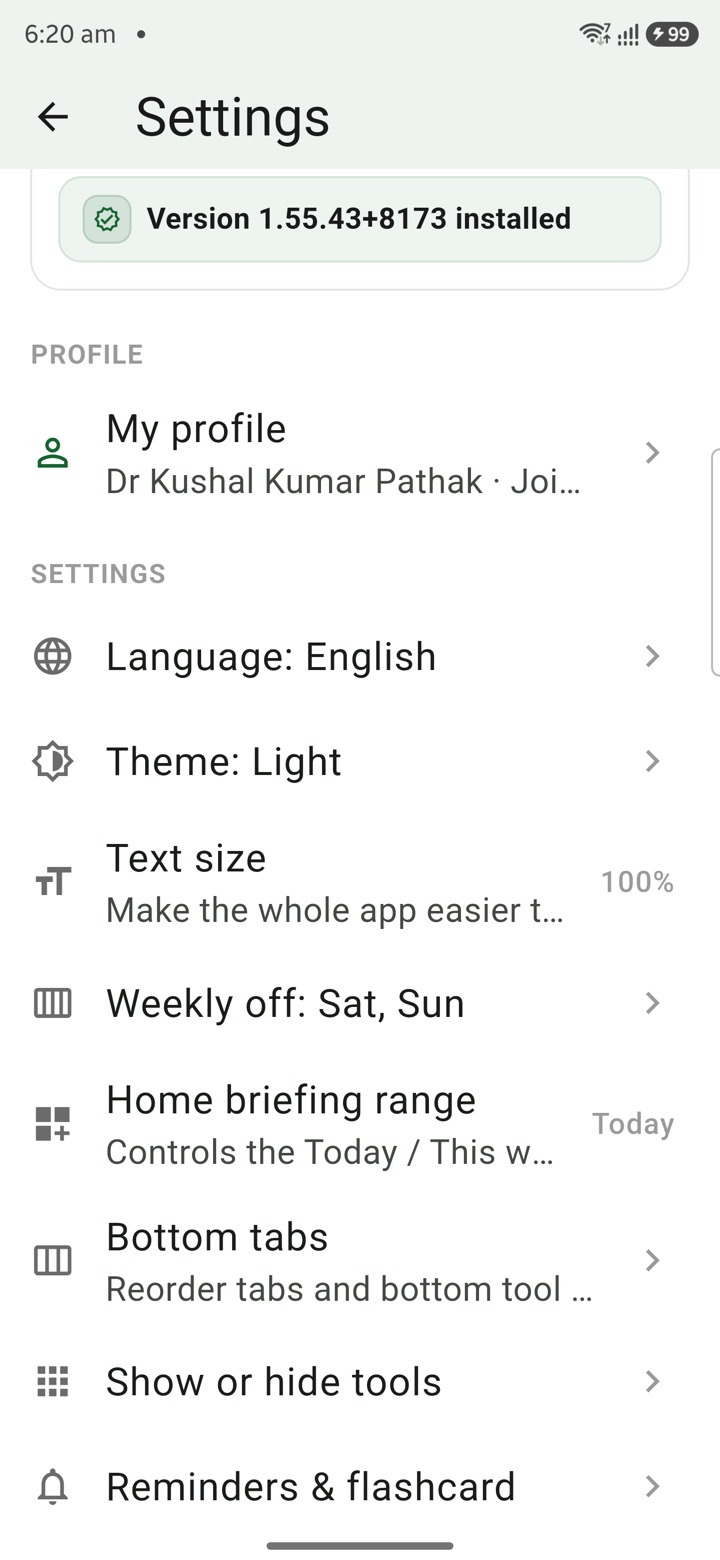
Local Profile
Save mobile-compatible profile details for leave letters, retirement, pay tools and service reco
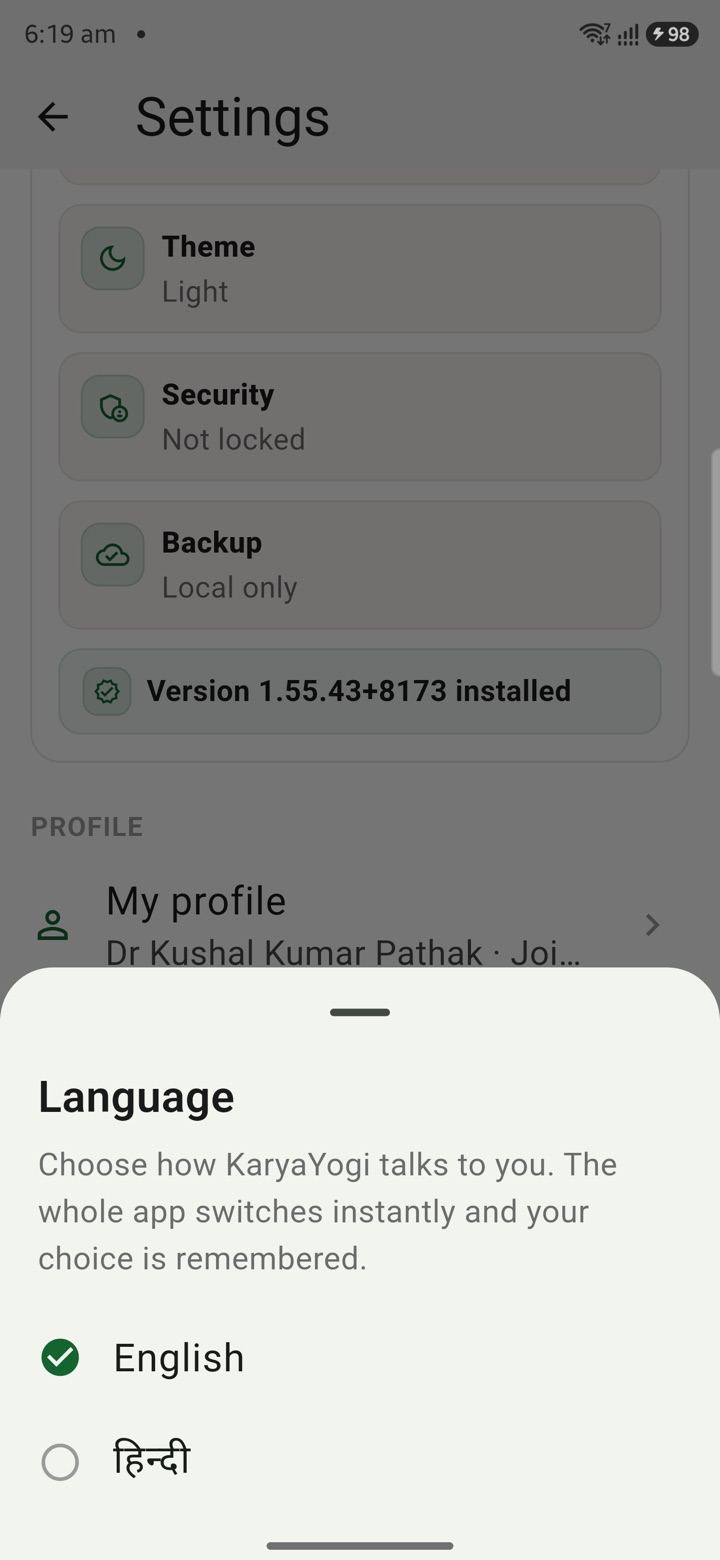
English or Hindi
Choose English or Hindi for feature names, prompts and planning notes used across daily officer
Carry your desk in your pocketअपनी डेस्क, अपनी जेब में
The Android APK below is the legacy direct-download edition. Use it only for an installation originally obtained from this website. Google Play and iOS releases follow separate testing and review tracks.
नीचे दिया गया Android APK पुराना सीधे डाउनलोड वाला संस्करण है। इसे केवल उसी इंस्टॉलेशन के लिए उपयोग करें जो इस वेबसाइट से लिया गया था। Google Play और iOS रिलीज़ की अलग परीक्षण और समीक्षा प्रक्रिया है।
Legacy package in.karyayogi.app · v1.55.59 (8195) · 144 MB · Android 8.0+