Personal Utility On Android
Network Speed Testनेटवर्क स्पीड टेस्ट
Check download, upload, ping and jitter at office, home, quarters or field locations, with local history on-device.Office, home, quarters या field locations पर download, upload, ping और jitter check करें, local history on-device रखें।
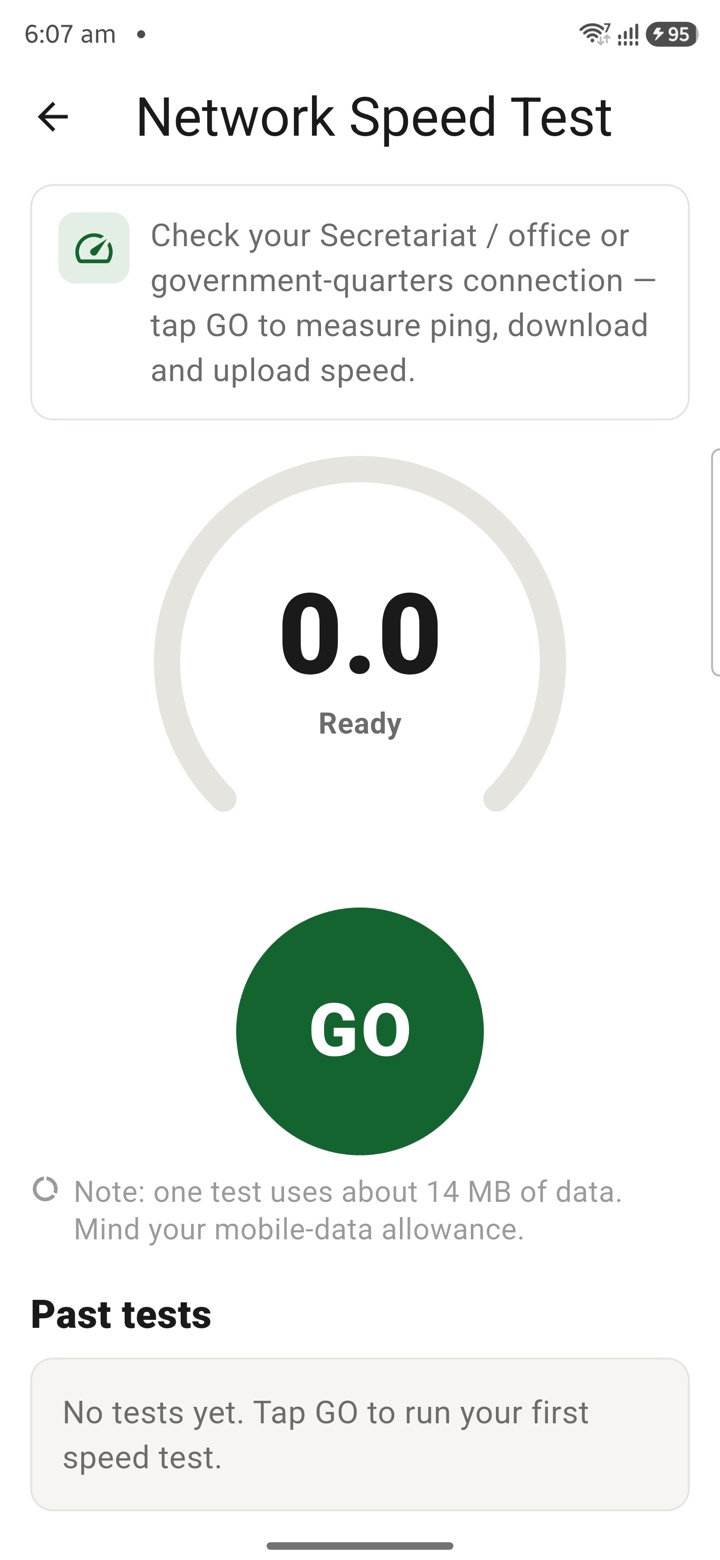
What it does
The tool, in plain terms
Network Speed Test measures your internet connection: download, upload, ping and jitter. Run it wherever you need to know how your link is performing, whether that is the office, home, official quarters or a field location.
It keeps a local history on your device so you can compare readings over time and places. The test runs locally where possible, and any capture or sharing of results is an explicit choice you make.
Officer workflow
How an officer uses it
A real sequence — from opening the tool to a private, review-ready draft.
Open the utility only for the narrow personal task in front of you.
Use Network Speed Test locally where possible, with explicit capture or sharing choices.
Treat optional reflection, direction, cultural or novelty output as personal context only.
Why it earns its place
What you get out of it
Network Speed Test
- Best for
- Office Wi-Fi, home broadband, mobile data and field connectivity checks
- Officer context
- Document connectivity friction before video meetings, uploads or remote work
Straight answers
Questions officers ask about Network Speed Test
It measures download speed, upload speed, ping and jitter, so you can judge how your connection is performing at a given place.
Yes. The history is kept locally on your device and is not shared unless you explicitly choose to.
A speed test sends and receives data to measure the link, so expect some data usage on a metered connection. The results themselves stay on-device.
In the same shelf
Related tools
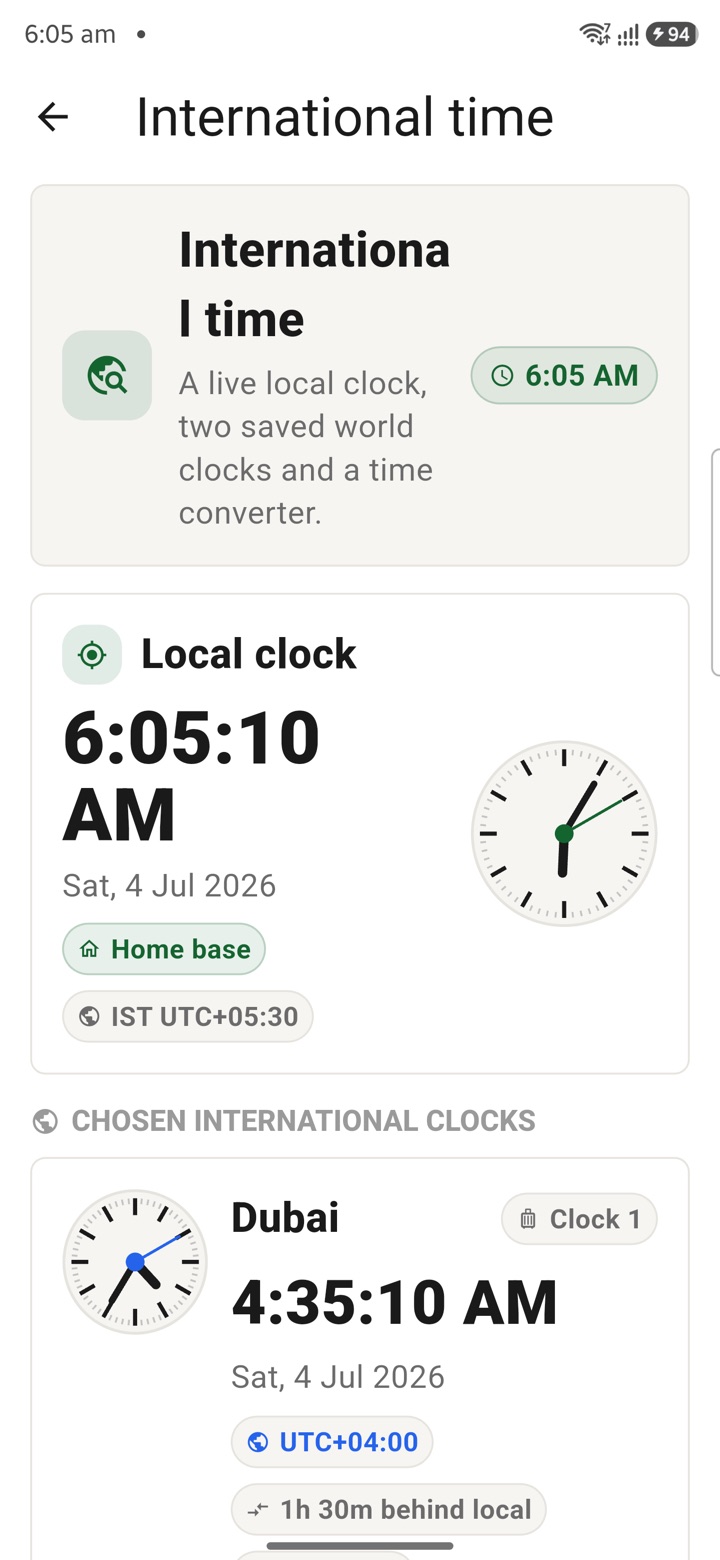
International Time
Check international time before embassy calls, deputation travel, training cohorts or late-eveni
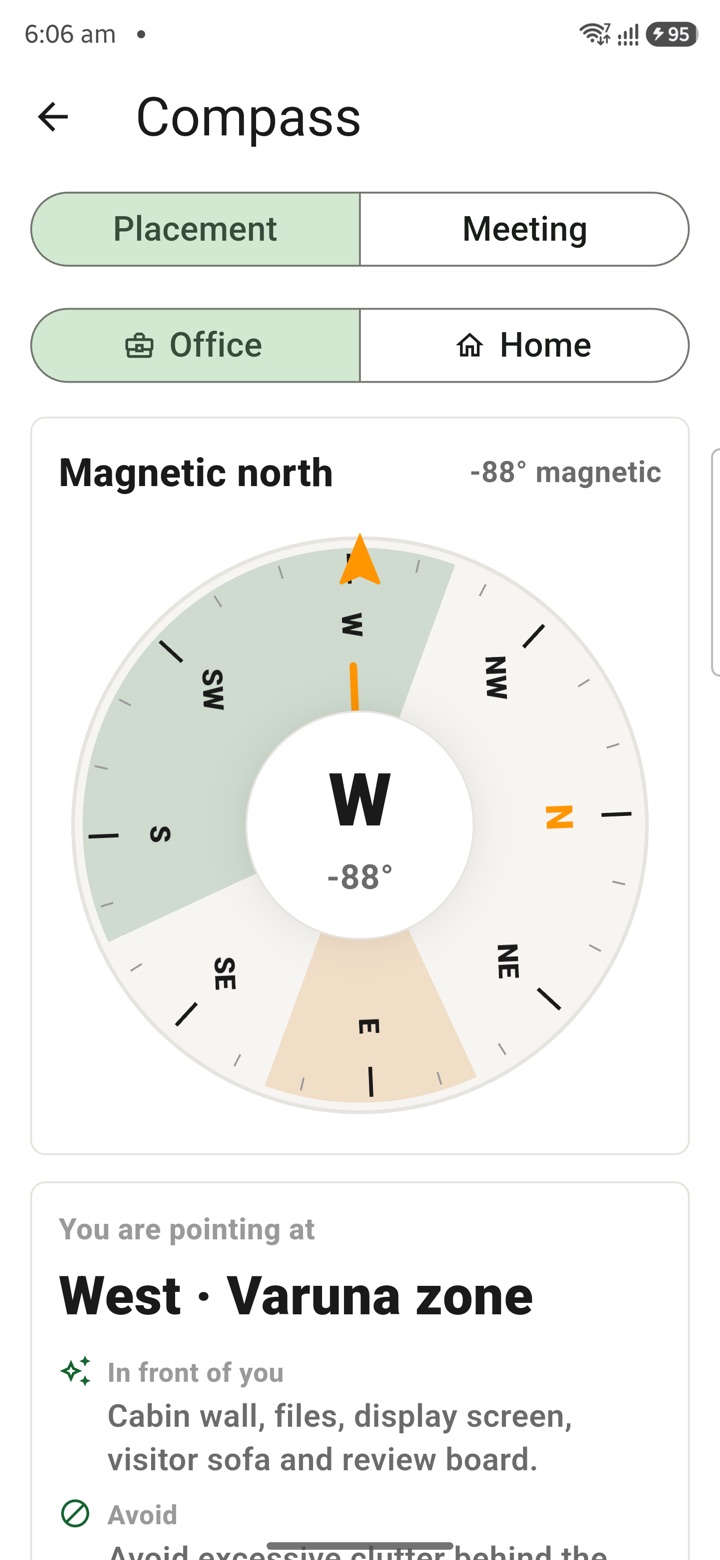
Compass With Vastu
Open a live compass, see which way the phone points and use optional Vastu cues as a private des
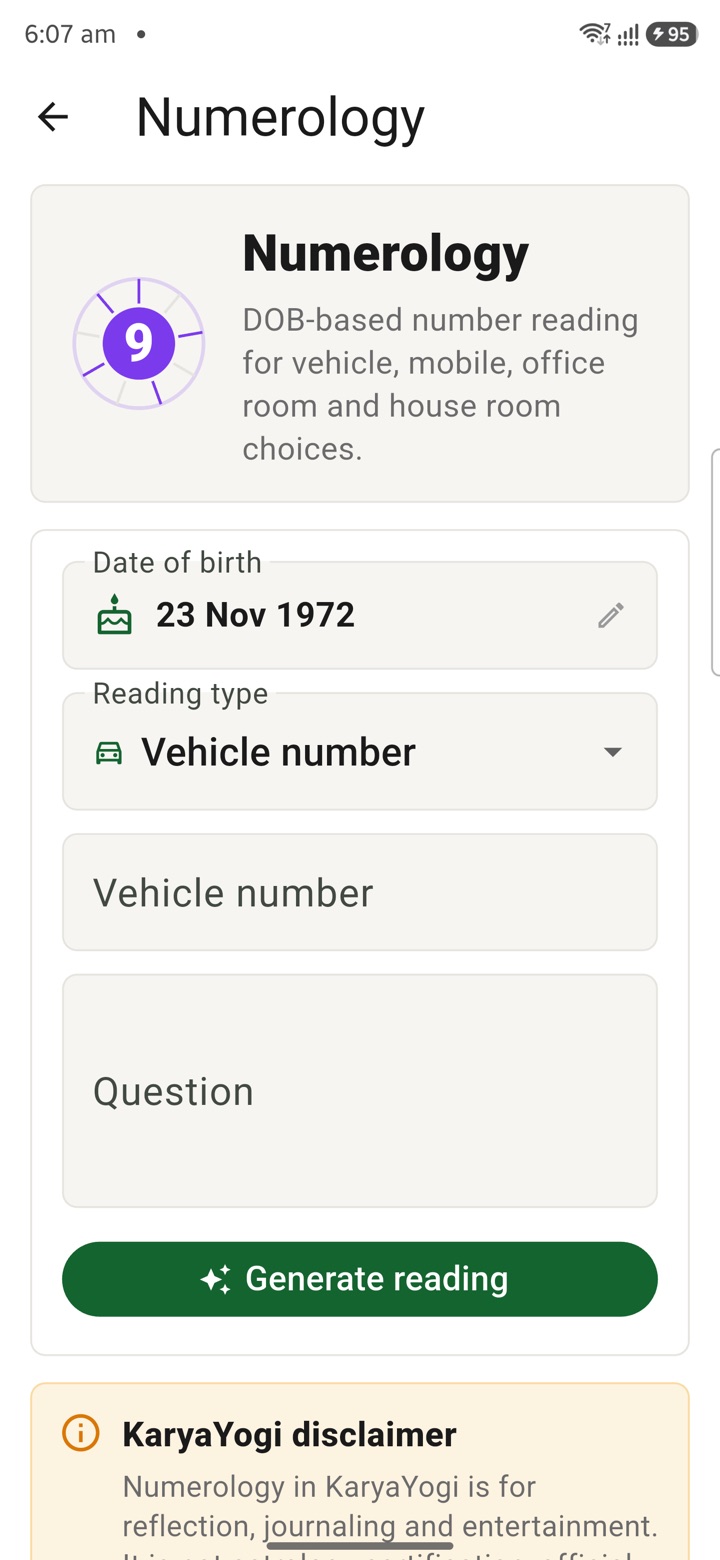
Numerology
Review number patterns for personal reflection around rooms, dates or phone numbers without trea
Carry your desk in your pocketअपनी डेस्क, अपनी जेब में
The Android APK below is the legacy direct-download edition. Use it only for an installation originally obtained from this website. Google Play and iOS releases follow separate testing and review tracks.
नीचे दिया गया Android APK पुराना सीधे डाउनलोड वाला संस्करण है। इसे केवल उसी इंस्टॉलेशन के लिए उपयोग करें जो इस वेबसाइट से लिया गया था। Google Play और iOS रिलीज़ की अलग परीक्षण और समीक्षा प्रक्रिया है।
Legacy package in.karyayogi.app · v1.55.59 (8195) · 144 MB · Android 8.0+