Privacy & Settings Rolling out
App LockApp Lock
Protect personal service notes, leave plans and pay inputs behind local device lock or a PIN recovery flow.Personal service notes, leave plans और pay inputs को local device lock या PIN recovery flow से protect करें।
Protect personal service notes, leave plans and pay inputs behind local device lock or a PIN rec
What it does
The tool, in plain terms
App Lock puts a lock in front of KaryaYogi so your personal service notes, leave plans and pay inputs are not open to anyone who picks up your phone. You can use your device biometric or a PIN, and there is a PIN recovery flow if you forget it.
The lock is a clear, explicit control rather than a hidden setting, so you know exactly what is protected. It guards access to the app on this device.
App Lock protects on-device access; it is not a substitute for keeping restricted official material inside authorised systems. Keep sensitive official material out of private backups, shares and unauthorised storage.
Officer workflow
How an officer uses it
A real sequence — from opening the tool to a private, review-ready draft.
Review what the control changes on this phone, account or optional sync path.
Use App Lock to make the preference explicit instead of hidden.
Keep sensitive official material out of private backups, shares and unauthorised storage.
Why it earns its place
What you get out of it
Protect personal service notes, leave plans and pay inputs behind local device lock or a PIN rec
App Lock
- Working area
- Privacy & Settings
- How it operates
- Choose the local preference or account control deliberately, review what changes on device or sync, then keep sensitive work inside approved channels.
- Screen proof
- Full Android screenshot framed on this page
- Best for
- Private planning for central government employees, officers, IAS officers and civil servants
Straight answers
Questions officers ask about App Lock
There is a PIN recovery flow to help you regain access; you can also use your device biometric if you set that up.
Yes. You can unlock with your device biometric or with a PIN, whichever you prefer.
App Lock controls who can open the app on this device; KaryaYogi separately keeps your local data in an AES-256 vault.
In the same shelf
Related tools
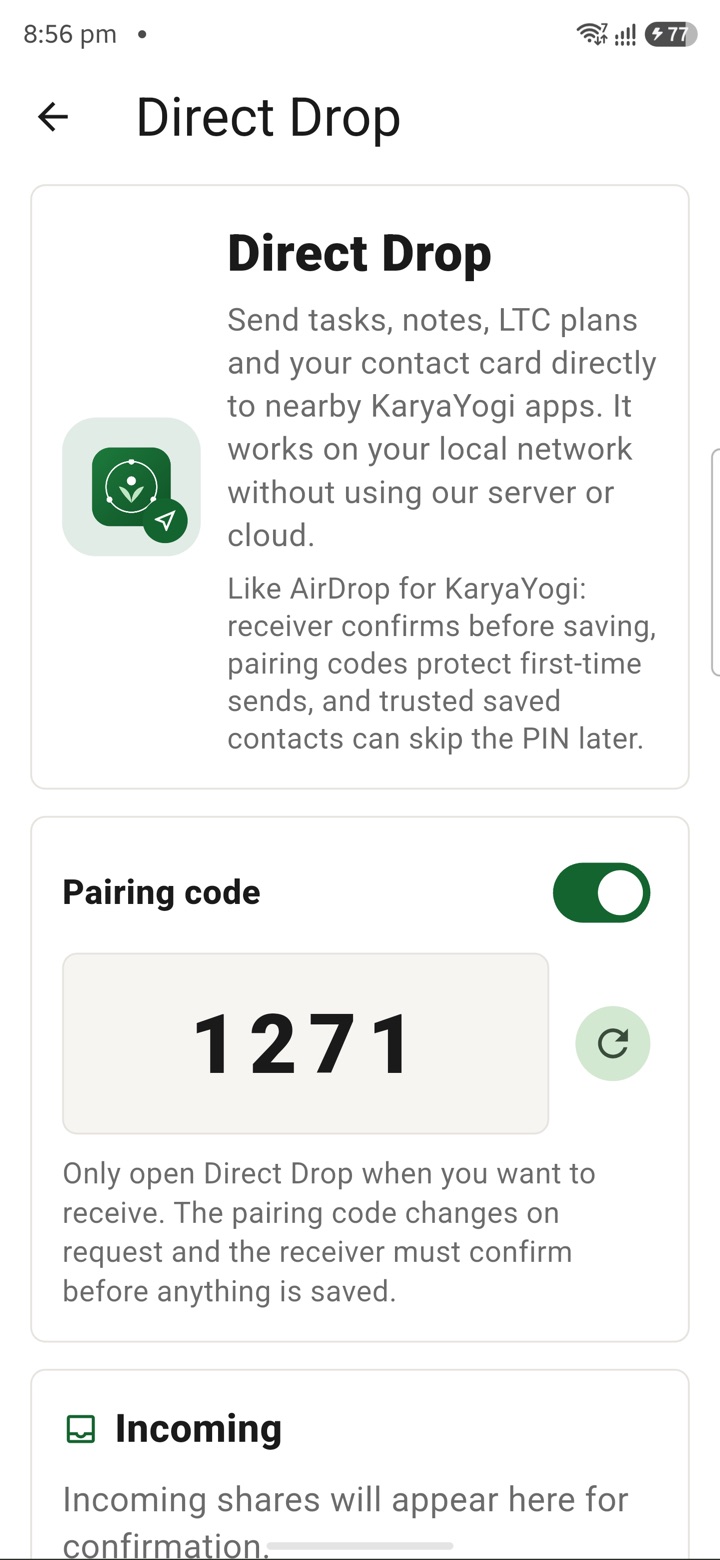
Direct Drop / Local Share
Share selected files, notes and delegated tasks nearby as a local device-to-device handoff witho
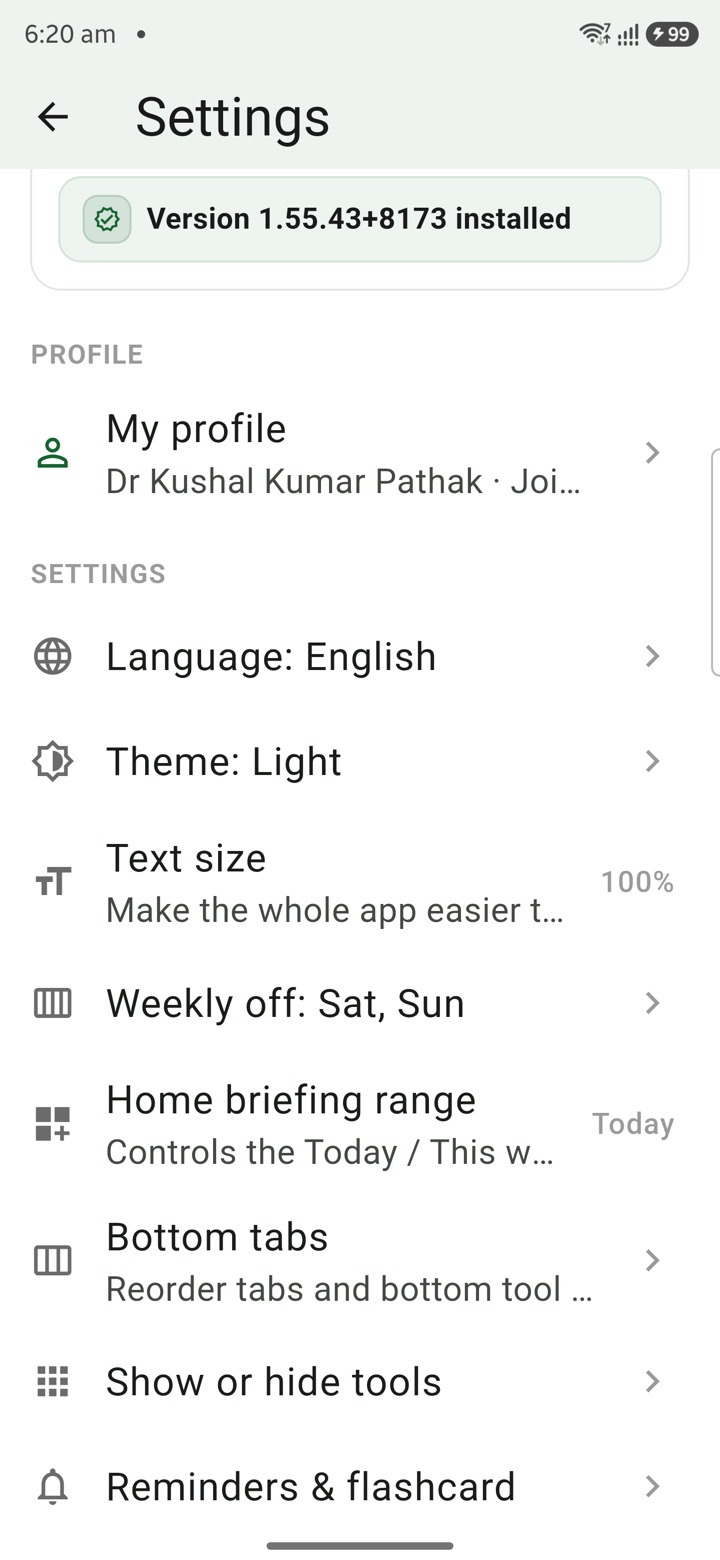
Local Profile
Save mobile-compatible profile details for leave letters, retirement, pay tools and service reco
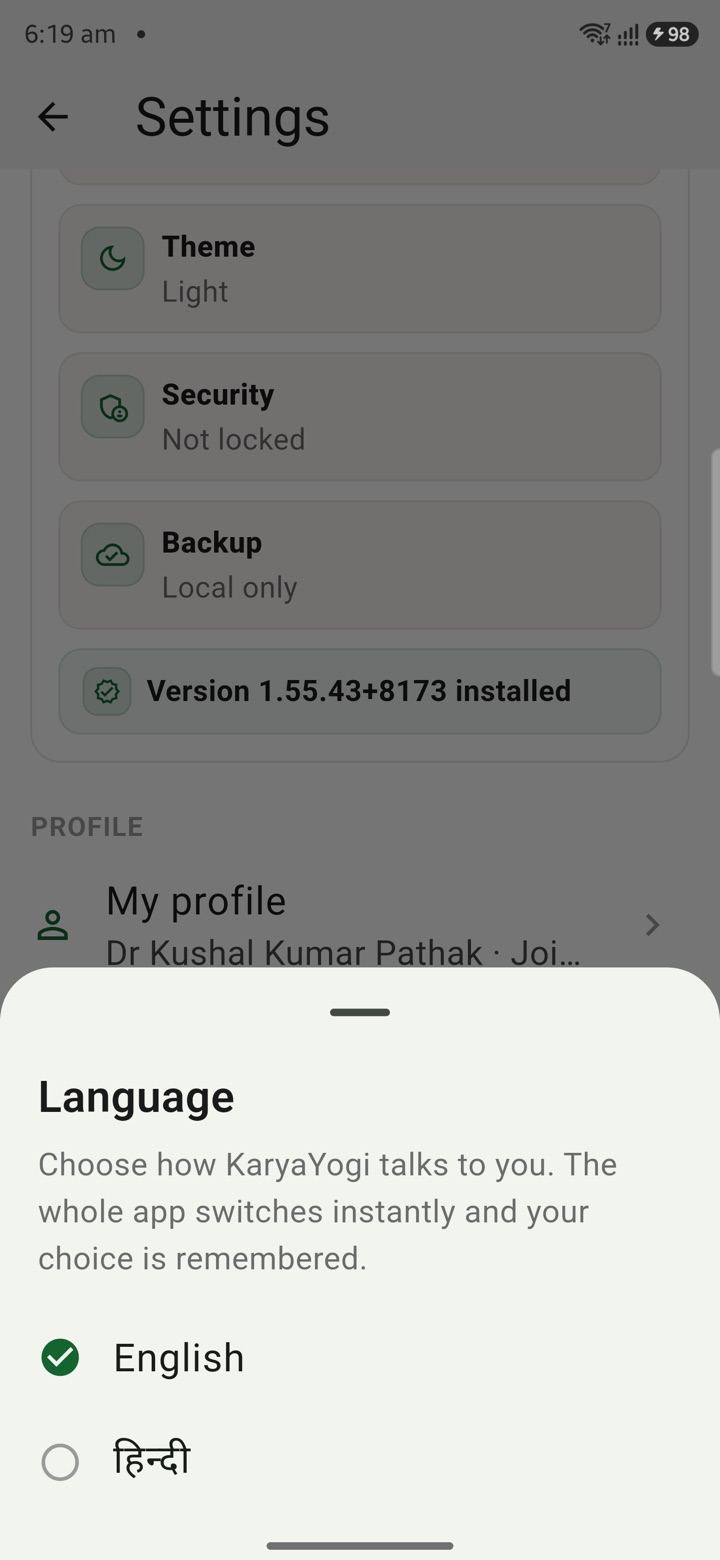
English or Hindi
Choose English or Hindi for feature names, prompts and planning notes used across daily officer
Carry your desk in your pocketअपनी डेस्क, अपनी जेब में
The Android APK below is the legacy direct-download edition. Use it only for an installation originally obtained from this website. Google Play and iOS releases follow separate testing and review tracks.
नीचे दिया गया Android APK पुराना सीधे डाउनलोड वाला संस्करण है। इसे केवल उसी इंस्टॉलेशन के लिए उपयोग करें जो इस वेबसाइट से लिया गया था। Google Play और iOS रिलीज़ की अलग परीक्षण और समीक्षा प्रक्रिया है।
Legacy package in.karyayogi.app · v1.55.59 (8195) · 144 MB · Android 8.0+