Privacy & Settings On Android
Karya Yogi Online PortalKarya Yogi Online Portal
Use the India-hosted Karya Yogi portal only when optional sync helps, while phone-first local planning remains the default for field and office work.जब optional sync useful हो तभी India-hosted Karya Yogi portal use करें; field और office work के लिए phone-first local planning default रहे।
Use the India-hosted Karya Yogi portal only when optional sync helps, while phone-first local pl
What it does
The tool, in plain terms
The Karya Yogi Online Portal is an optional, India-hosted web workspace you use only when account sync actually helps, for example to carry your private planning between devices or to see your backup status. Phone-first local planning stays the default, so field and office work does not depend on being online.
Before turning it on, the tool prompts you to check whether your current phone-only workflow really needs sync. The portal is for private workspace continuity and backup visibility, not for anything official.
Keep official submissions, sanctions, records and restricted material in your authorised government systems. The portal never replaces eOffice, HRMS, APAR or any authorised system of record.
Officer workflow
How an officer uses it
A real sequence — from opening the tool to a private, review-ready draft.
Review whether the current phone-first workflow actually needs account sync.
Use the Karya Yogi Online Portal only for optional private workspace continuity and backup visibility.
Keep official submissions, sanctions, records and restricted material in authorised government systems.
Why it earns its place
What you get out of it
Use the India-hosted Karya Yogi portal only when optional sync helps, while phone-first local pl
Karya Yogi Online Portal
- Working area
- Optional account sync, backup prompts and portal access for the same private workspace
- India delivery
- Made in India, made by Indians and hosted in India for Karya Yogi account workflows
- Officer context
- Useful when a central government officer wants continuity between phone, desk and field work
Straight answers
Questions officers ask about Karya Yogi Online Portal
No. It is optional; KaryaYogi works phone-first offline, and the portal only adds sync and backup visibility when you decide you want them.
It is hosted in India and keyed to your account; optional sync is encrypted.
No. It is for your private workspace continuity only; official submissions, sanctions and records must go through your authorised government systems.
In the same shelf
Related tools
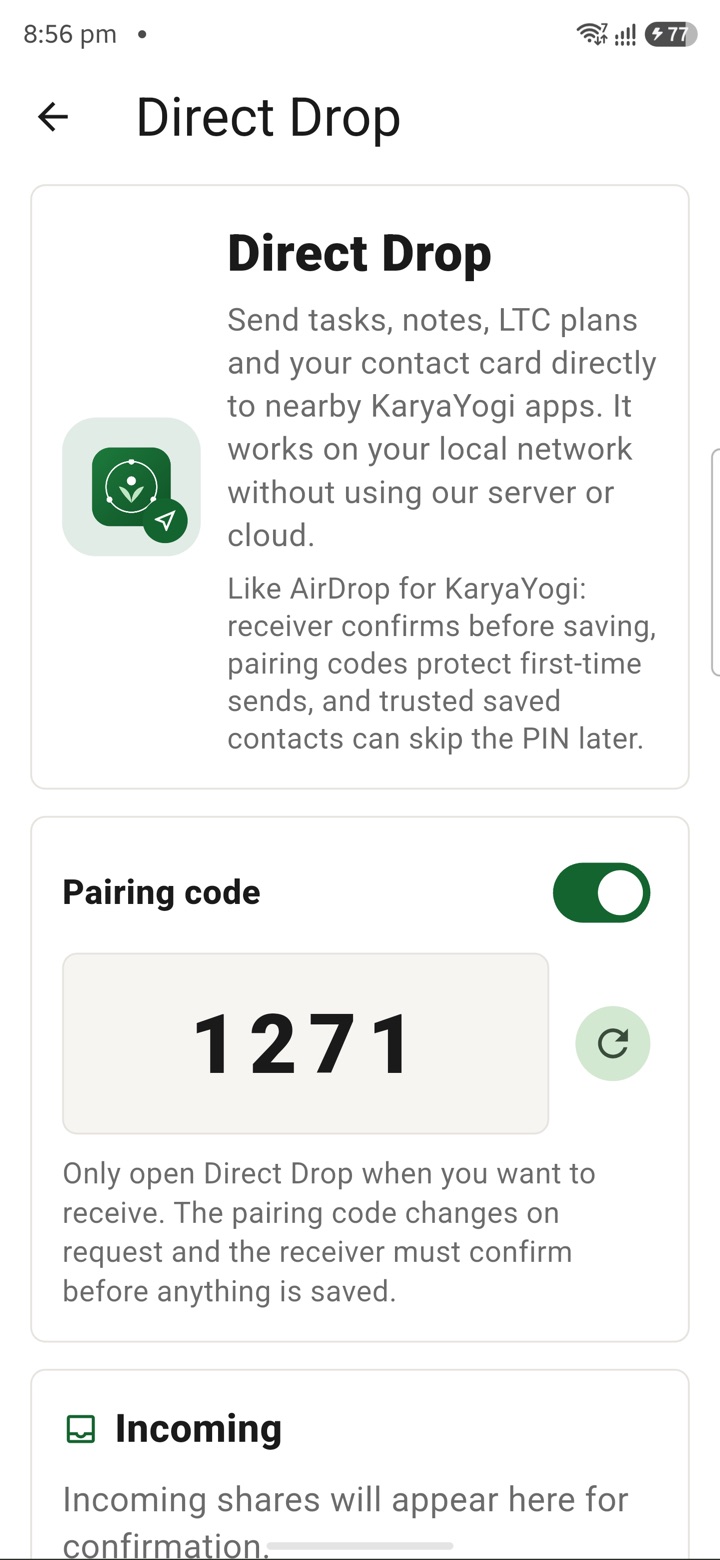
Direct Drop / Local Share
Share selected files, notes and delegated tasks nearby as a local device-to-device handoff witho
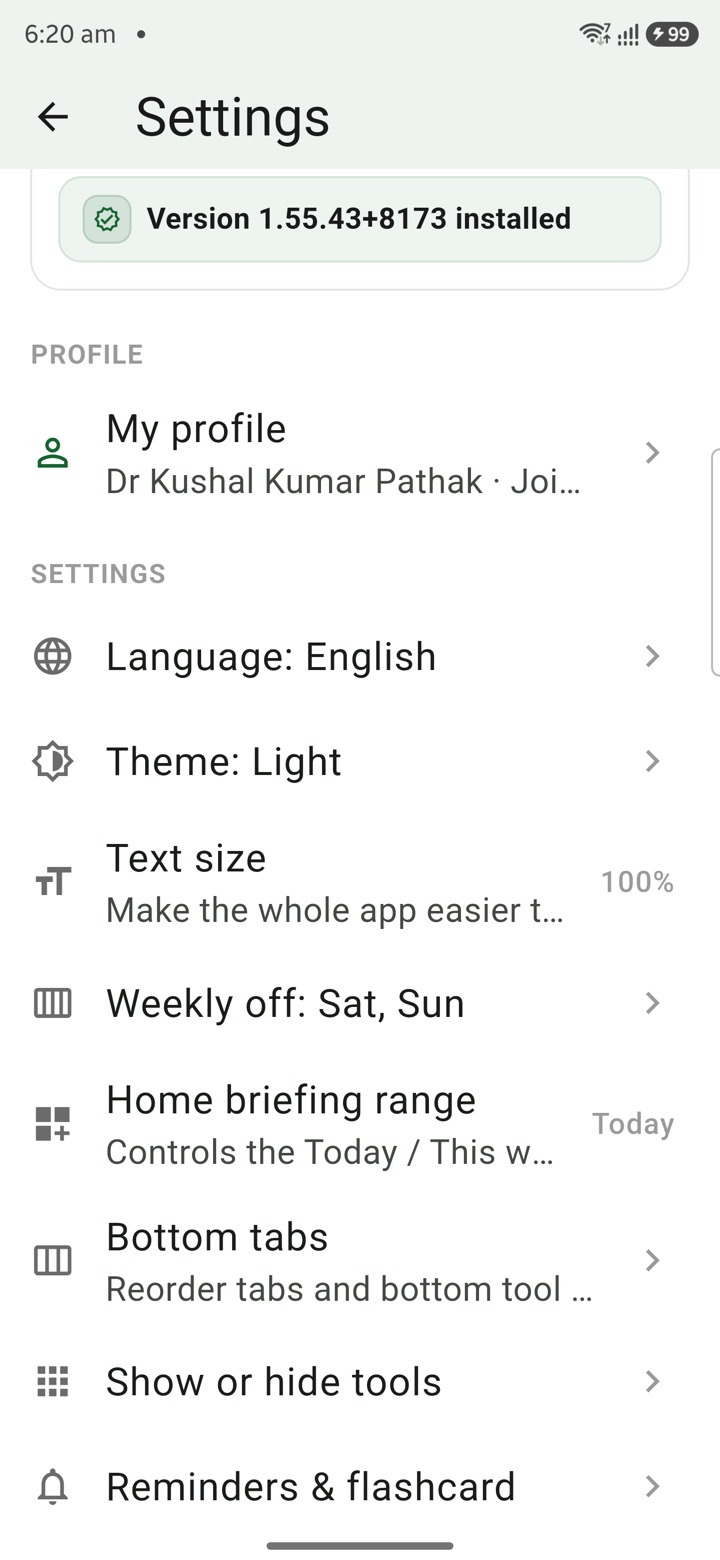
Local Profile
Save mobile-compatible profile details for leave letters, retirement, pay tools and service reco
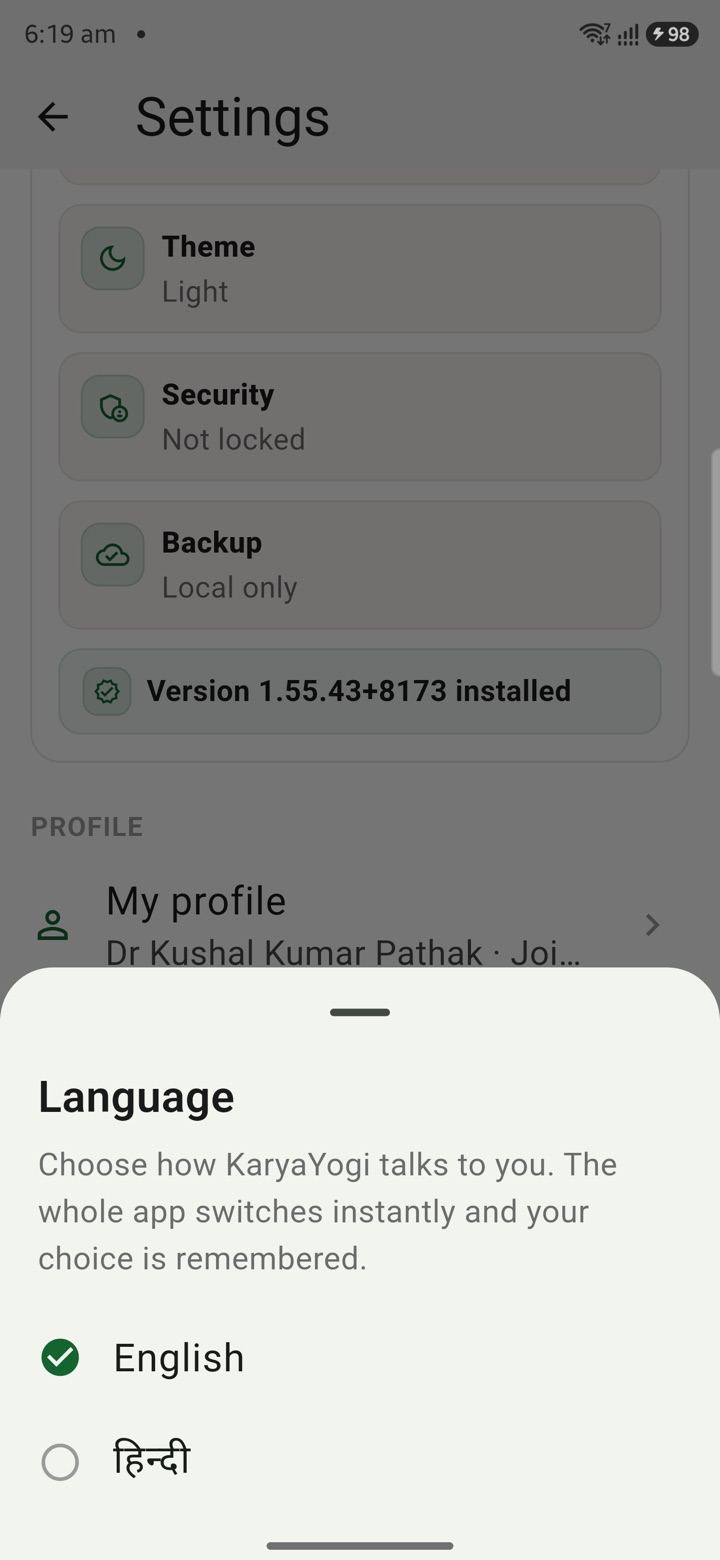
English or Hindi
Choose English or Hindi for feature names, prompts and planning notes used across daily officer
Carry your desk in your pocketअपनी डेस्क, अपनी जेब में
The Android APK below is the legacy direct-download edition. Use it only for an installation originally obtained from this website. Google Play and iOS releases follow separate testing and review tracks.
नीचे दिया गया Android APK पुराना सीधे डाउनलोड वाला संस्करण है। इसे केवल उसी इंस्टॉलेशन के लिए उपयोग करें जो इस वेबसाइट से लिया गया था। Google Play और iOS रिलीज़ की अलग परीक्षण और समीक्षा प्रक्रिया है।
Legacy package in.karyayogi.app · v1.55.59 (8195) · 144 MB · Android 8.0+