Service & Benefits On Android
CGHSCGHS
Keep CGHS wellness-centre context, card reminders and nearby health-place lookup handy for employees and families.Employees और families के लिए CGHS wellness-centre context, card reminders और nearby health-place lookup handy रखें।
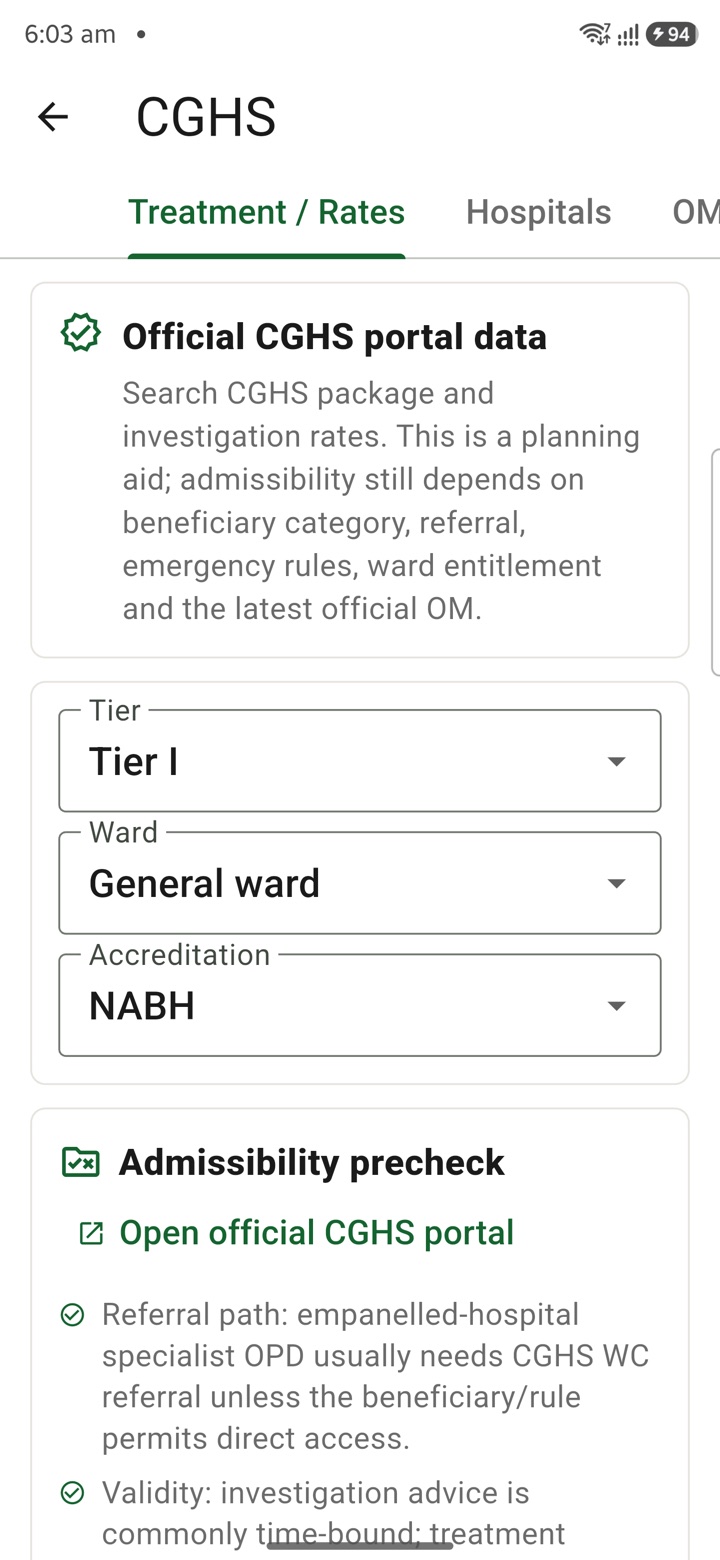
What it does
The tool, in plain terms
CGHS keeps your Central Government Health Scheme context in one place. You open the card and save private reminders for card validity, wellness-centre lookup, family context or allowed health-place planning.
This helps you and your family stay organised about where to go and what to carry, without hunting for details each time. Everything here is a personal reminder.
Before any treatment, reimbursement or entitlement action, verify the current CGHS source pages, dates, eligibility and your local office instructions, which are the authoritative sources.
Officer workflow
How an officer uses it
A real sequence — from opening the tool to a private, review-ready draft.
Open the CGHS card from the Service & Benefits tools area.
Save private reminders for card validity, wellness-centre lookup, family context or allowed health-place planning.
Verify current CGHS source pages, date, eligibility and local office instructions before treatment, reimbursement or entitlement action.
Why it earns its place
What you get out of it
CGHS
- Working area
- CGHS wellness-centre context, card reminders, family notes and nearby health-place lookup for eligible central government employees
- Officer context
- Keep personal readiness for employee and family health logistics without replacing CGHS records or official entitlements
- English + Hindi
- Summary copy supports English and Hindi personal-awareness language where bilingual text exists
Straight answers
Questions officers ask about CGHS
No. It stores your own reminders only. Eligibility and entitlements are confirmed through the official CGHS pages and your local office.
Treat it as a planning aid. Always verify the current wellness centre and empanelled facility details from authorised CGHS sources.
Yes, you can save family context for planning; actual treatment and reimbursement still follow the official CGHS process.
In the same shelf
Related tools
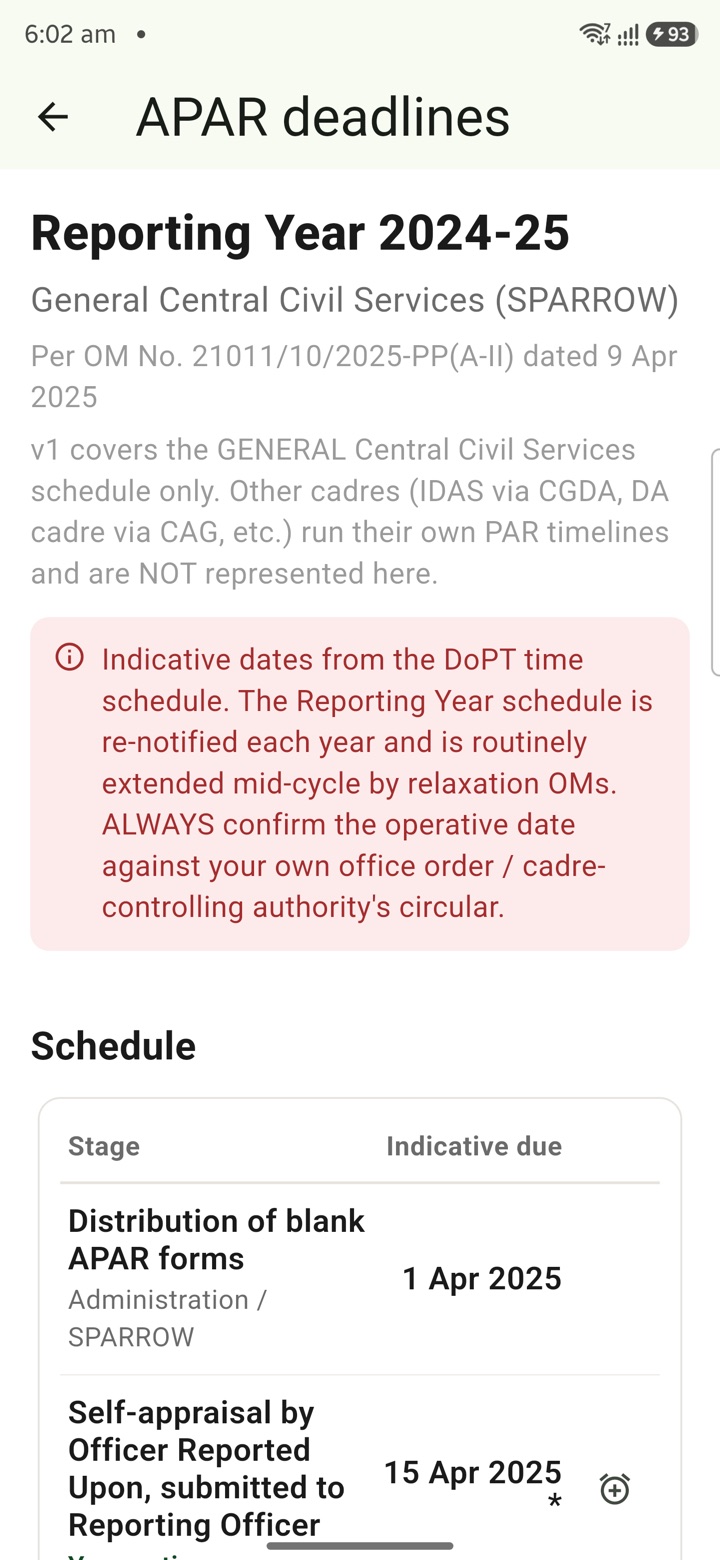
APAR Deadlines
Keep APAR self-appraisal, reporting, reviewing and disclosure dates visible as private reminders
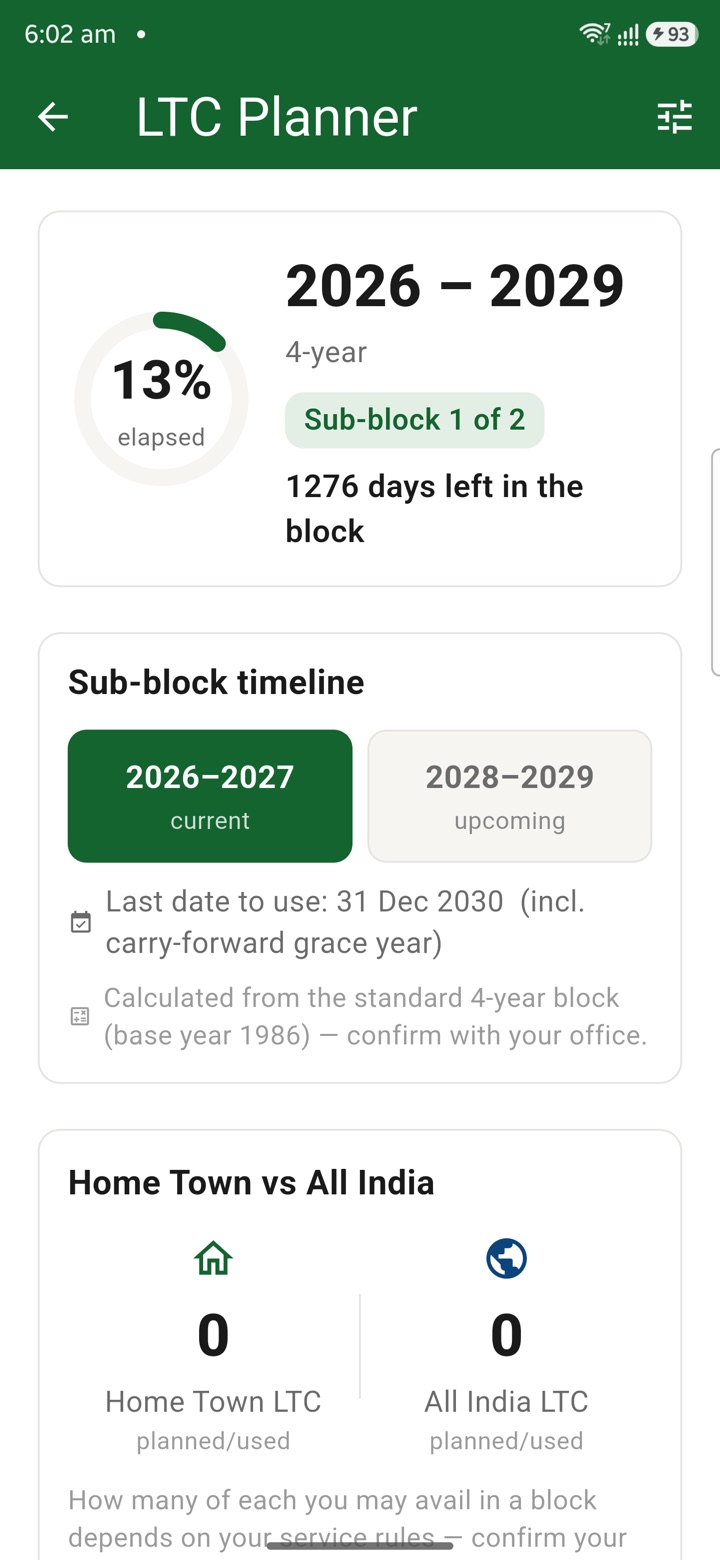
LTC Planner
Plan LTC block-year context, family declarations, route notes, tickets and claim-prep tasks in o
Official Tour Claim Desk
Estimate tour claim context, TA/DA assumptions, route notes and document rows privately before t
Carry your desk in your pocketअपनी डेस्क, अपनी जेब में
The Android APK below is the legacy direct-download edition. Use it only for an installation originally obtained from this website. Google Play and iOS releases follow separate testing and review tracks.
नीचे दिया गया Android APK पुराना सीधे डाउनलोड वाला संस्करण है। इसे केवल उसी इंस्टॉलेशन के लिए उपयोग करें जो इस वेबसाइट से लिया गया था। Google Play और iOS रिलीज़ की अलग परीक्षण और समीक्षा प्रक्रिया है।
Legacy package in.karyayogi.app · v1.55.59 (8195) · 144 MB · Android 8.0+