Service & Benefits On Android
GFR & GeM ProcurementGFR और GeM Procurement
Search GFR clauses, GeM modes, tender choices and procurement file records.GFR clauses, GeM modes, tender choices और procurement file records search करें।
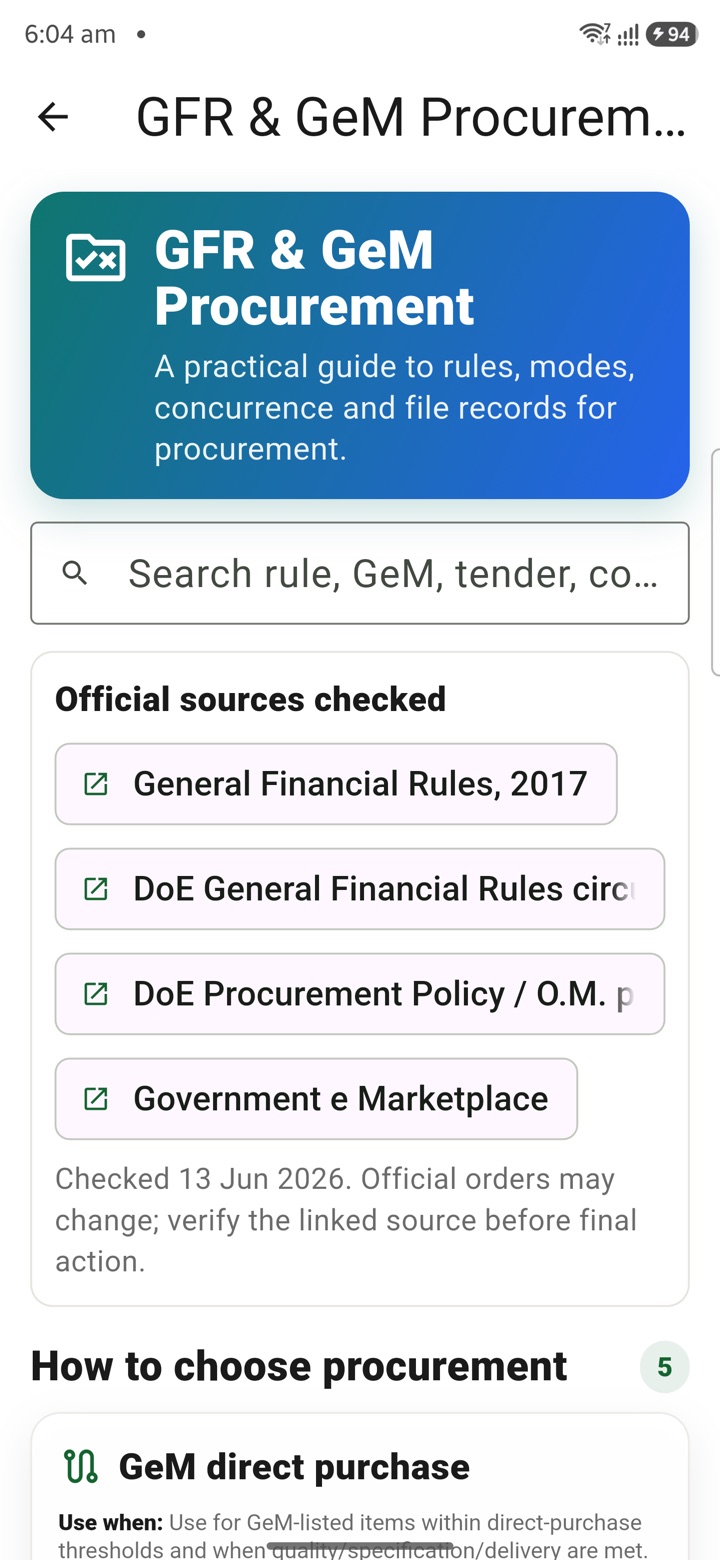
What it does
The tool, in plain terms
GFR & GeM Procurement helps you organise procurement thinking privately. You open the card and use a checklist to note possible rule references, a GeM mode, a tender route and file follow-ups.
This keeps a complex process in one place while you prepare, so nothing is missed when you move to the official file. The notes are a personal working aid only.
Before recording any official decision, confirm the latest GFR, GeM, delegation and department instructions from authorised sources, which govern the actual procurement.
Officer workflow
How an officer uses it
A real sequence — from opening the tool to a private, review-ready draft.
Open the GFR & GeM Procurement card from the Service & Benefits tools area.
Use the private checklist to note possible rule references, GeM mode, tender route and file follow-ups.
Confirm the latest GFR, GeM, delegation and department instructions from authorised sources before recording an official decision.
Why it earns its place
What you get out of it
{'eyebrow': 'Procurement readiness', 'title': 'Prepare the procurement question before the file moves.', 'body': 'GFR & GeM Procurement is a private preparation page for central government office work. It helps an officer collect the rule question, possible GeM mode, tender route, threshold note and file reminder before anything is recorded as an official procurement decision.', 'body_hi': 'GFR & GeM Procurement central government office work के लिए private preparation page है. यह officer को rule question, possible GeM mode, tender route, threshold note और file reminder collect करने में मदद करता है, official procurement decision record होने से पहले.', 'points': [{'label': 'Frame the question', 'value': 'Write the procurement doubt in plain language before searching clauses or modes.'}, {'label': 'Keep source dates visible', 'value': 'Note rule names, thresholds, GeM route assumptions and source dates for later verification.'}, {'label': 'Do not decide here', 'value': 'Use authorised rules, delegations, committees and procurement systems for official decisions.'}], 'chips': ['GFR', 'GeM', 'Tender route', 'Threshold', 'Source date']}
GFR & GeM Procurement
- Working area
- GFR clause lookup, GeM mode notes, tender-choice prompts and procurement file reminders for central government office work
- Grade 5 meaning
- GFR & GeM Procurement helps prepare the purchase question before an official file moves.
- Officer context
- Useful as a private preparation checklist before a purchase file, committee note, tender route or GeM workflow is handled officially
- English + Hindi
- Summary copy supports English and Hindi search-language cues where bilingual text exists
Straight answers
Questions officers ask about GFR & GeM Procurement
No. They are your own working notes. Confirm the current GFR provisions and GeM rules from authorised sources before acting.
No. It only helps you prepare privately. Official decisions are recorded on the authorised file under proper delegation.
No. It is a planning note. The correct GeM mode and tender route must follow current GeM and department instructions.
In the same shelf
Related tools
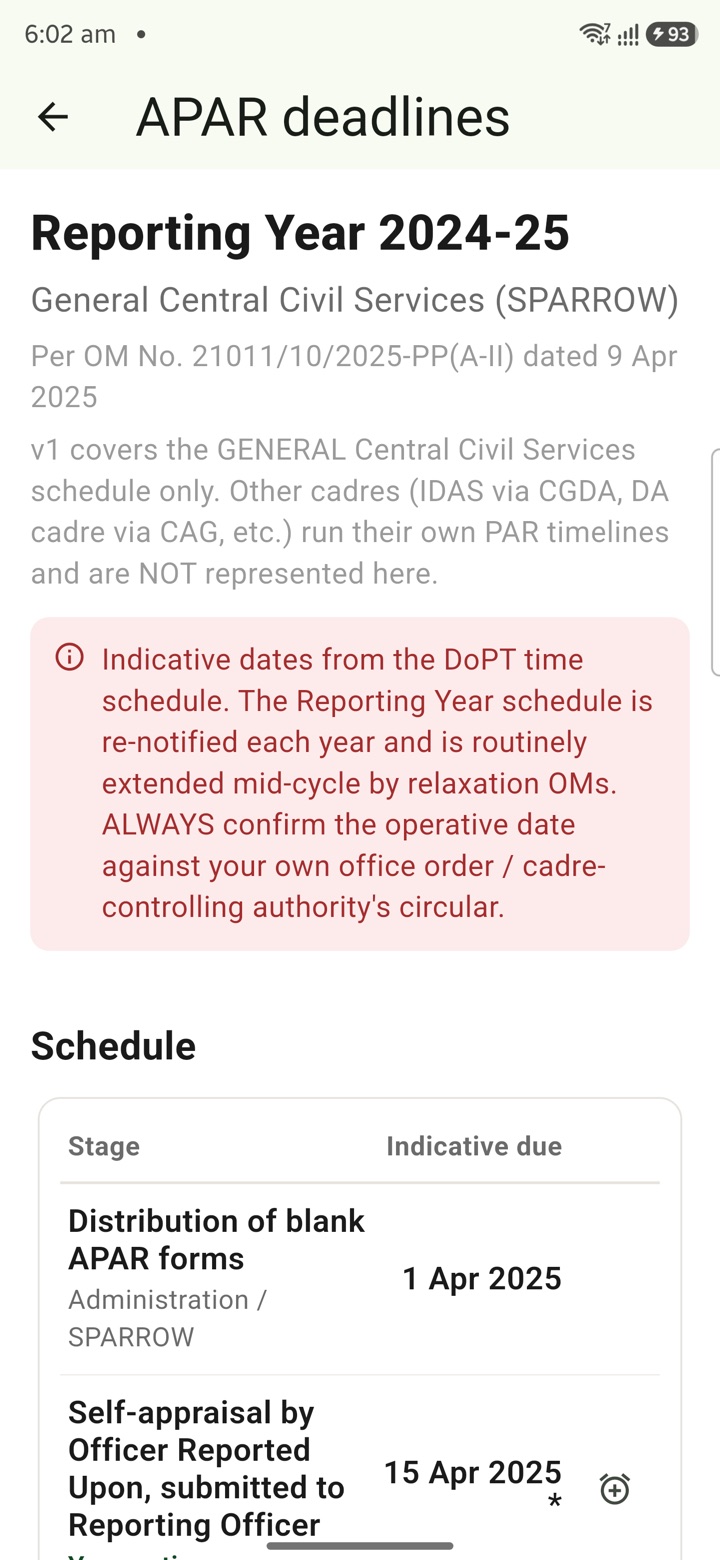
APAR Deadlines
Keep APAR self-appraisal, reporting, reviewing and disclosure dates visible as private reminders
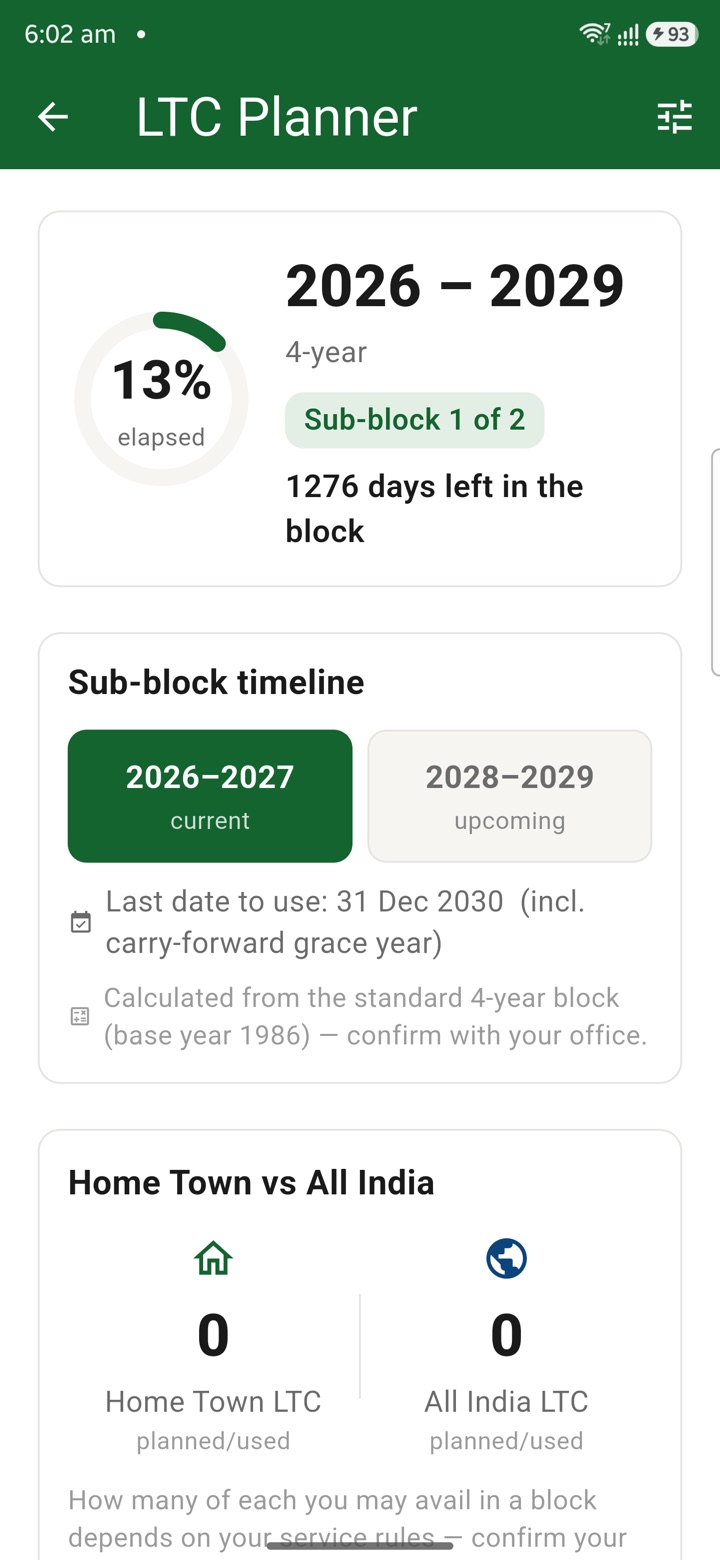
LTC Planner
Plan LTC block-year context, family declarations, route notes, tickets and claim-prep tasks in o
Official Tour Claim Desk
Estimate tour claim context, TA/DA assumptions, route notes and document rows privately before t
Carry your desk in your pocketअपनी डेस्क, अपनी जेब में
The Android APK below is the legacy direct-download edition. Use it only for an installation originally obtained from this website. Google Play and iOS releases follow separate testing and review tracks.
नीचे दिया गया Android APK पुराना सीधे डाउनलोड वाला संस्करण है। इसे केवल उसी इंस्टॉलेशन के लिए उपयोग करें जो इस वेबसाइट से लिया गया था। Google Play और iOS रिलीज़ की अलग परीक्षण और समीक्षा प्रक्रिया है।
Legacy package in.karyayogi.app · v1.55.59 (8195) · 144 MB · Android 8.0+