Leave & Calendar On Android
School Vacation PlannerSchool Vacation Planner
Match school, college or summer breaks with service leave balances so family travel does not clash with duty calendars.School, college या summer breaks को service leave balances से match करें ताकि family travel duty calendars से clash न करे।
Match school, college or summer breaks with service leave balances so family travel does not cla
What it does
The tool, in plain terms
School Vacation Planner helps you line up school, college or summer break dates against your service leave balances so family travel does not clash with your duty calendar. You start from the date window, balance context or holiday that prompted the plan and compare the private options.
It is a planning aid used before any official application or claim. Once you settle on dates, you can carry the final reminder, handover note or return-day task back into your office follow-up.
The tool works from the dates and balance notes you enter. Confirm your actual leave entitlement and any sanction through your department's authorised records.
Officer workflow
How an officer uses it
A real sequence — from opening the tool to a private, review-ready draft.
Start with the date window, balance context or holiday that triggered the plan.
Use School Vacation Planner to compare the private planning options before any application or claim.
Carry the final reminder, handover note or return-day task back into office follow-up.
Why it earns its place
What you get out of it
Match school, college or summer breaks with service leave balances so family travel does not cla
School Vacation Planner
- Working area
- Leave & Calendar
- How it operates
- Open the calendar or leave tool, compare dates against holidays and duty windows, then keep a draft plan until the authorised leave process is used.
- Screen proof
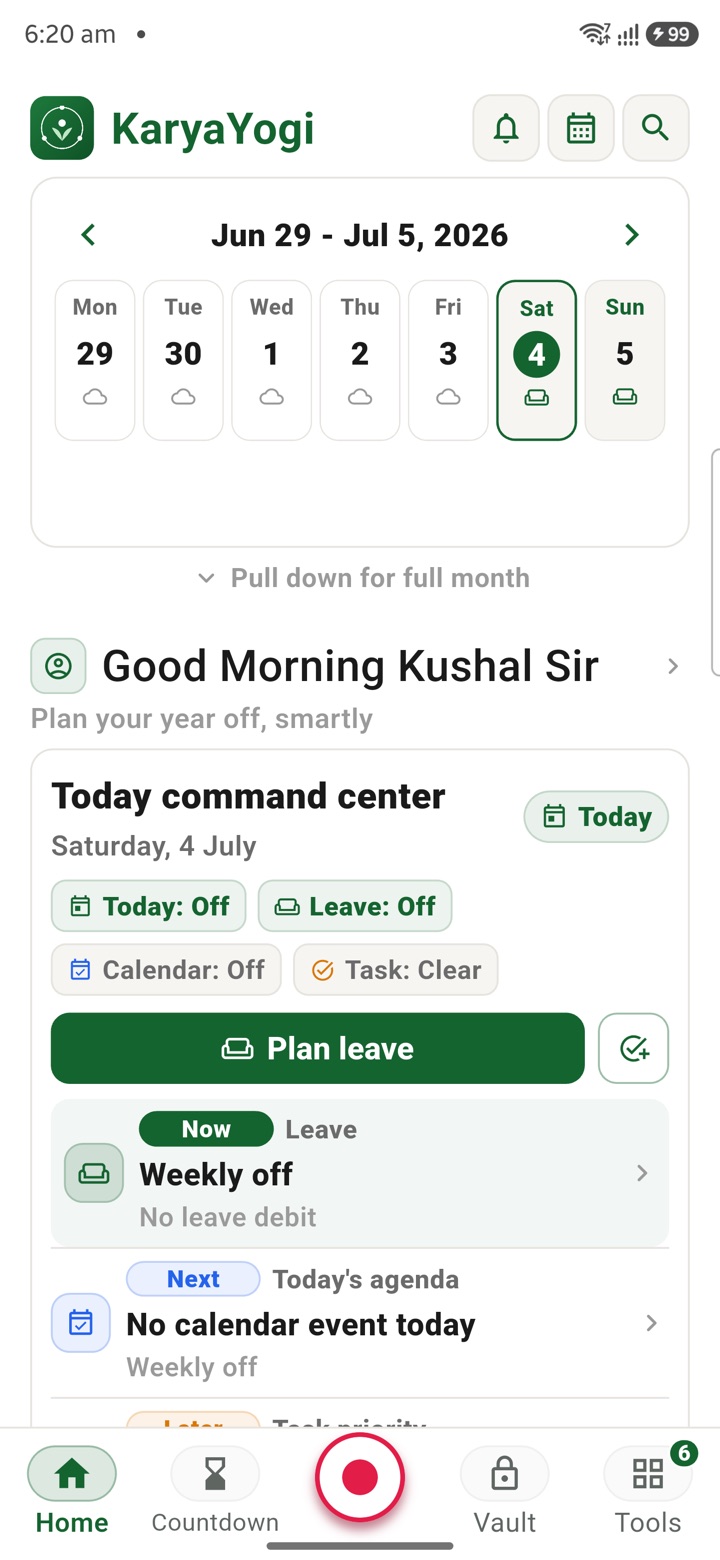
- Full Android screenshot framed on this page
- Best for
- Private planning for central government employees, officers, IAS officers and civil servants
Straight answers
Questions officers ask about School Vacation Planner
It helps you see clashes early by matching break dates against your balance notes, but you decide and confirm the final dates.
No. It uses the balance context you enter. Verify your entitlement through your department's authorised records.
No. It produces a private draft and reminders only; the application and sanction go through your authorised channels.
In the same shelf
Related tools
Leave Management
Plan leave, find holiday bridges, check CL/RH/EL-style balances, create checklists and prepare a
Leave Planning
Build phone-first draft leave plans, bridge suggestions, EL options, family travel notes and ret
Calendar View
Bring your phone calendar into Karya Yogi, plan duty days, meetings, holidays, leave and tasks p
Carry your desk in your pocketअपनी डेस्क, अपनी जेब में
The Android APK below is the legacy direct-download edition. Use it only for an installation originally obtained from this website. Google Play and iOS releases follow separate testing and review tracks.
नीचे दिया गया Android APK पुराना सीधे डाउनलोड वाला संस्करण है। इसे केवल उसी इंस्टॉलेशन के लिए उपयोग करें जो इस वेबसाइट से लिया गया था। Google Play और iOS रिलीज़ की अलग परीक्षण और समीक्षा प्रक्रिया है।
Legacy package in.karyayogi.app · v1.55.59 (8195) · 144 MB · Android 8.0+